6 StreamR Splash User Guide
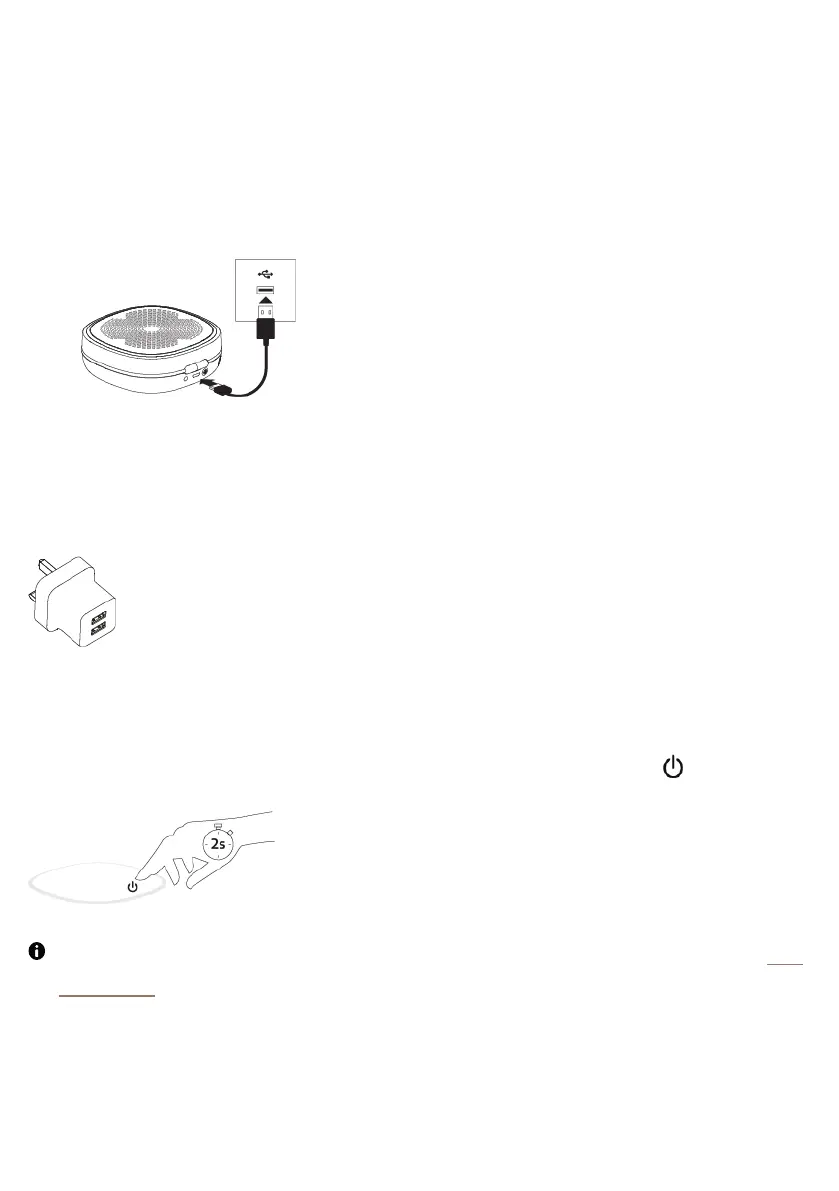
Charging your speaker
Your StreamR Splash can run on battery, or by connection to USB power through a power
adapter or socket.
1. Connect the supplied Micro-USB cable to the USB socket on your StreamR Splash.
2. Connect the other end of the Micro-USB cable to a USB power socket.
In the interests of the environment, we at Pure are committed to a low electrical waste
policy. Due to the proliferation of high power USBplug adaptors in most households, we
recommend you charge your speaker using an existing USBplug adaptor or buy a
compatible charger.
Switching your speaker on or off
To switch your StreamR Splash on or off, press and hold the power button for 2seconds.
The first time you switch your StreamR Splash on, it enters Bluetooth pairing mode. See
"Bluetooth".



 To Next Page