SELECT HP USER INSTRUCTIONS
Issue: A, part number L300954
23
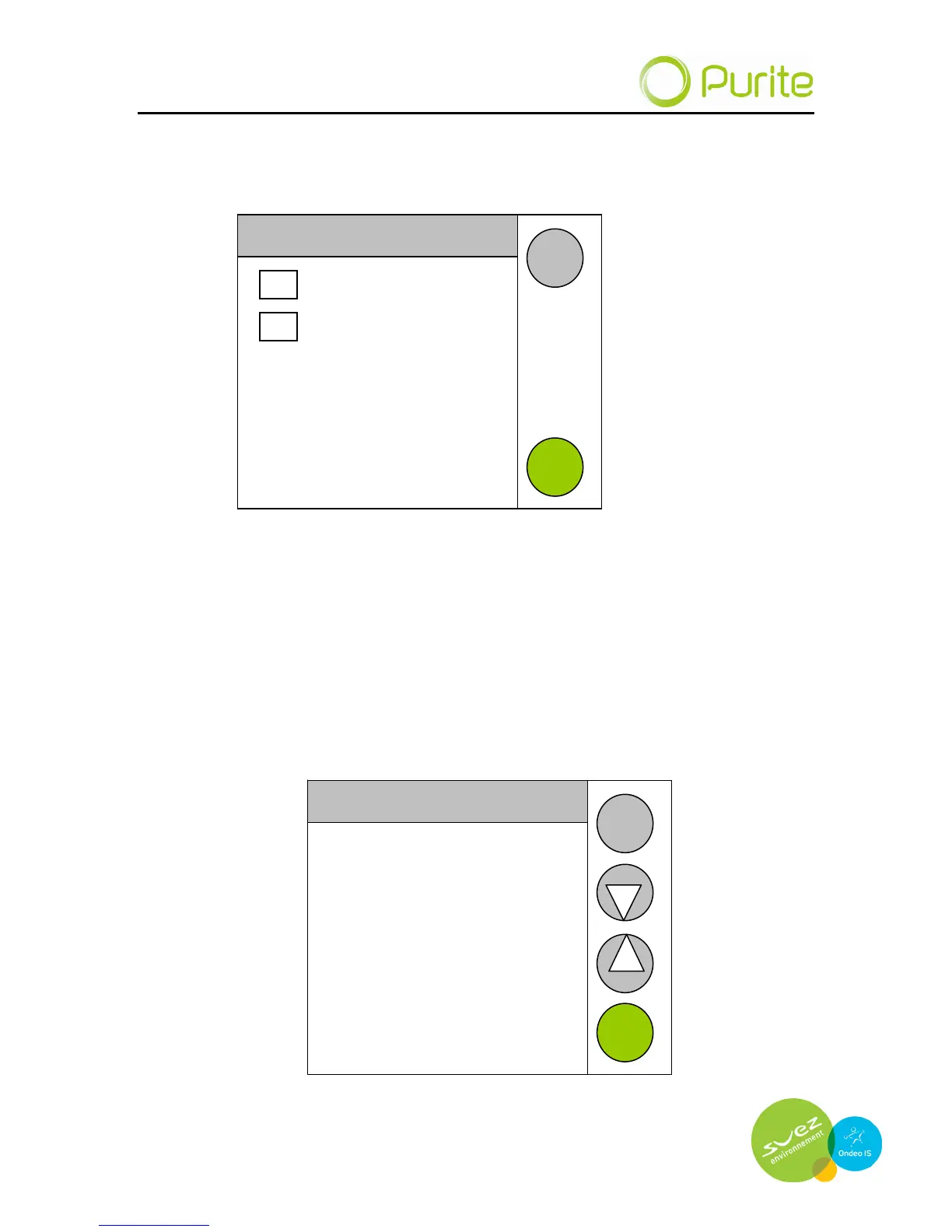
Audible alarm
This is enabled / disabled by selecting this in the audible alarm menu.
Audible Alarm Enable
Disabled
Enabled
ENTER
BACK
Highlight the appropriate tick box by pressing on it and then pressing enter.
Set Quality Alarm
If a minimum water quality is required an alarm can be set should the water
quality fail to meet this value. Enter the desired water quality alarm limit in the
set quality alarm menu. Should water quality fall below this level the tool bar
on the mimic screen will display an alarm is active. If the audible alarm is
enabled a buzzer will sound.
Set Quality Alarm
01.0
MΩ
NEXT
BACK


 To Next Page