SELECT HP USER INSTRUCTIONS
Issue: A, part number L300954 14
→ Alarms
→ Audible alarm enable
→ Set Quality Alarm
→ Set Temperature alarm
→ Maintenance
→ PT pack date
→ PP pack date
→ System Menu
→ Product information
→ Engineer menu
→ Enter Pin No.
→ Set Unit ID
→ Auto restart
→ Enable
→ Disable
→ Data Transfer
5.2 Power On screen
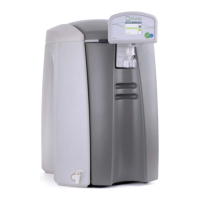
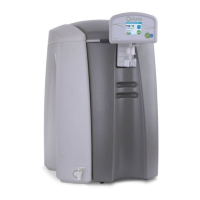
To switch the unit on press the START button on the power on screen.
WELCOME
HP
START
MENU
PROCESSING 09/09/09 10.22
When start is pressed the following screen is displayed to show the unit is in
operation and processing water.


 To Next Page