SELECT HP USER INSTRUCTIONS
Issue: A, part number L300954
16
5.3 Menus
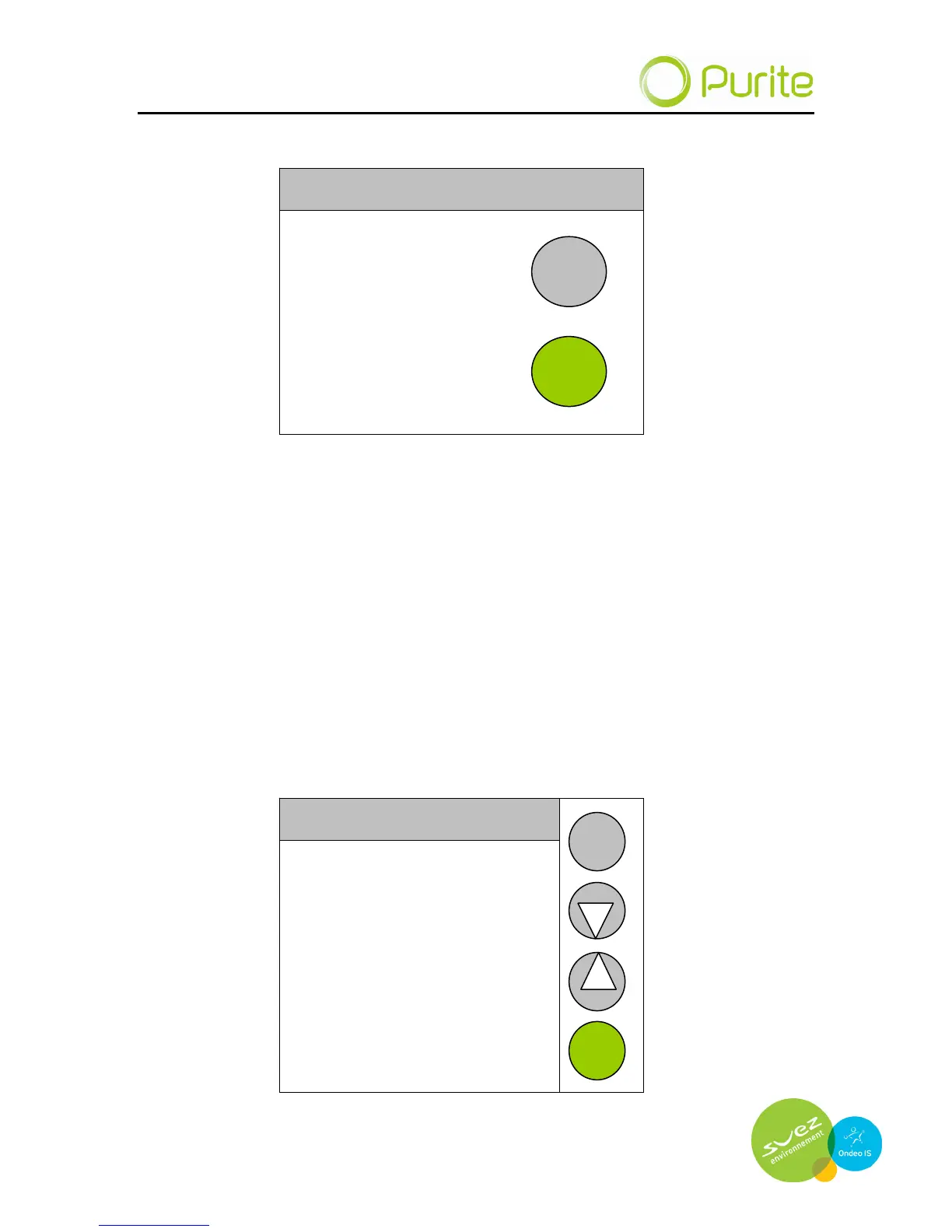
WELCOME
HP
START
MENU
PROCESSING 09/09/09 10.22
Pressing the menu but
ton on the POWER-ON screen leads to a sequence of
options, user definable parameters and information about your Select HP.
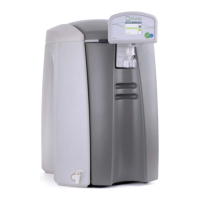
Menu screens feature buttons: BACK; UP; DOWN; ENTER.
UP and DOWN are used to move through the options available (or to increase
or decrease numerical vales). ENTER selects the option highlighted and
BACK returns to the previous screen.
5.4 Clean routine menu
Selecting the Clean Routine from the menu begins the cleaning process.
Prompts are provided to describe the insertion of the cleaning agents required
for the process. i.e. remove media pack and replace with disinfect pack
adaptor.
USER MENU 09/09/09 10.22
Clean Routine
Dispense Options
Settings Menu
ENTER
BACK


 To Next Page