SELECT HP USER INSTRUCTIONS
Issue: A, part number L300954
29
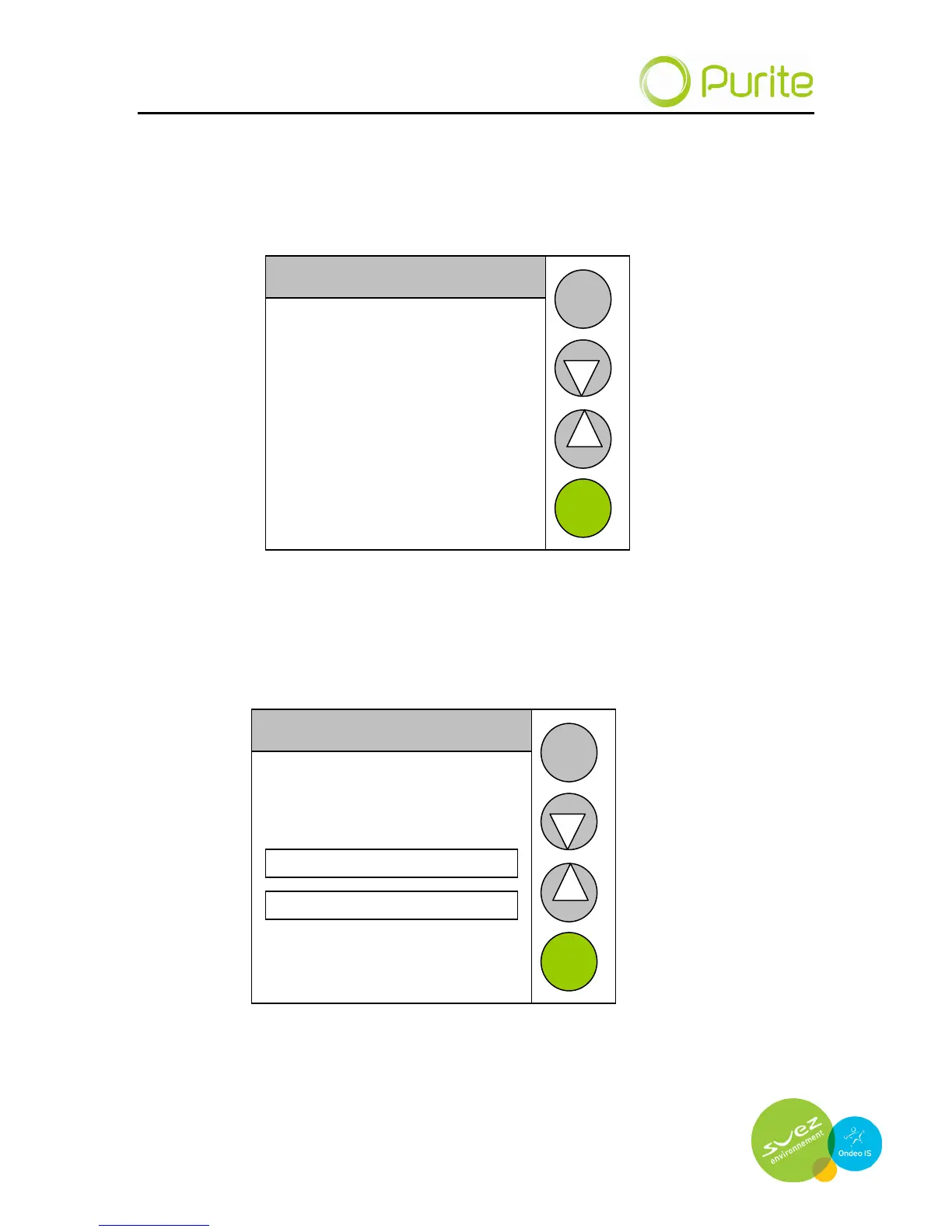
Data Transfer
Data transfer enables new software to be uploaded to the unit and enables
clearing of data from the on board data logger.
Set Log Frequency
Upload files
Clear data logger
BACK
NEXT
Upload files
Insert data stick into the USB port on the underside of the dispense Pod
Set Log Frequency
File transfer
please wait
3%
NEXT
BACK
This may take some time depending upon the amount of stored data.
Data is stored to the data stick as a .CSV file which may be viewed using
Microsoft Excel.


 To Next Page