USR-DR13X User Manual
Figure 6. Search and basic settings
After entering the username and password, click "OK" and the server will authenticate. After success, you will
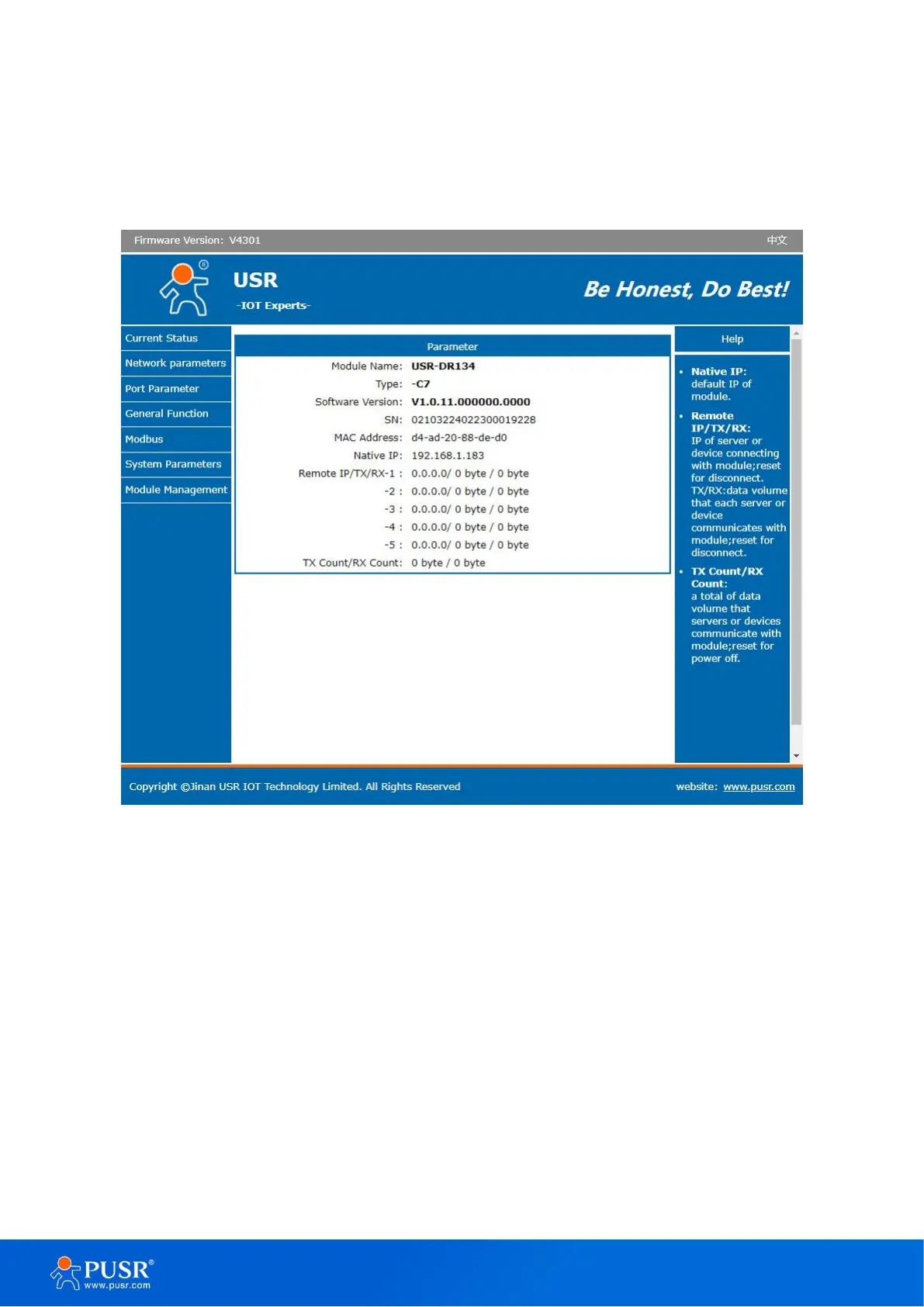
enter the main page of the Web server, as shown in the following figure.
Figure 7. Current status
In serial port page, set the remote IP to 192.168.1.182, then save parameters and restart the module.


 To Next Page