Table 7. Parameters description of Wi-Fi interface
To choose whether to enable the Wi-Fi function.
To choose whether to hide the SSID.
If the SSID is hidden, the user cannot search for the Wi-Fi
name on the mobile phone or PC. Users can connect to Wi-Fi
by manually entering the SSID.
Wi-Fi name, users can modify as needed.
To choose Wi-Fi encryption method.
To choose Wi-Fi standard.
To choose high throughput.
This option is for 5.8G Wi-Fi.
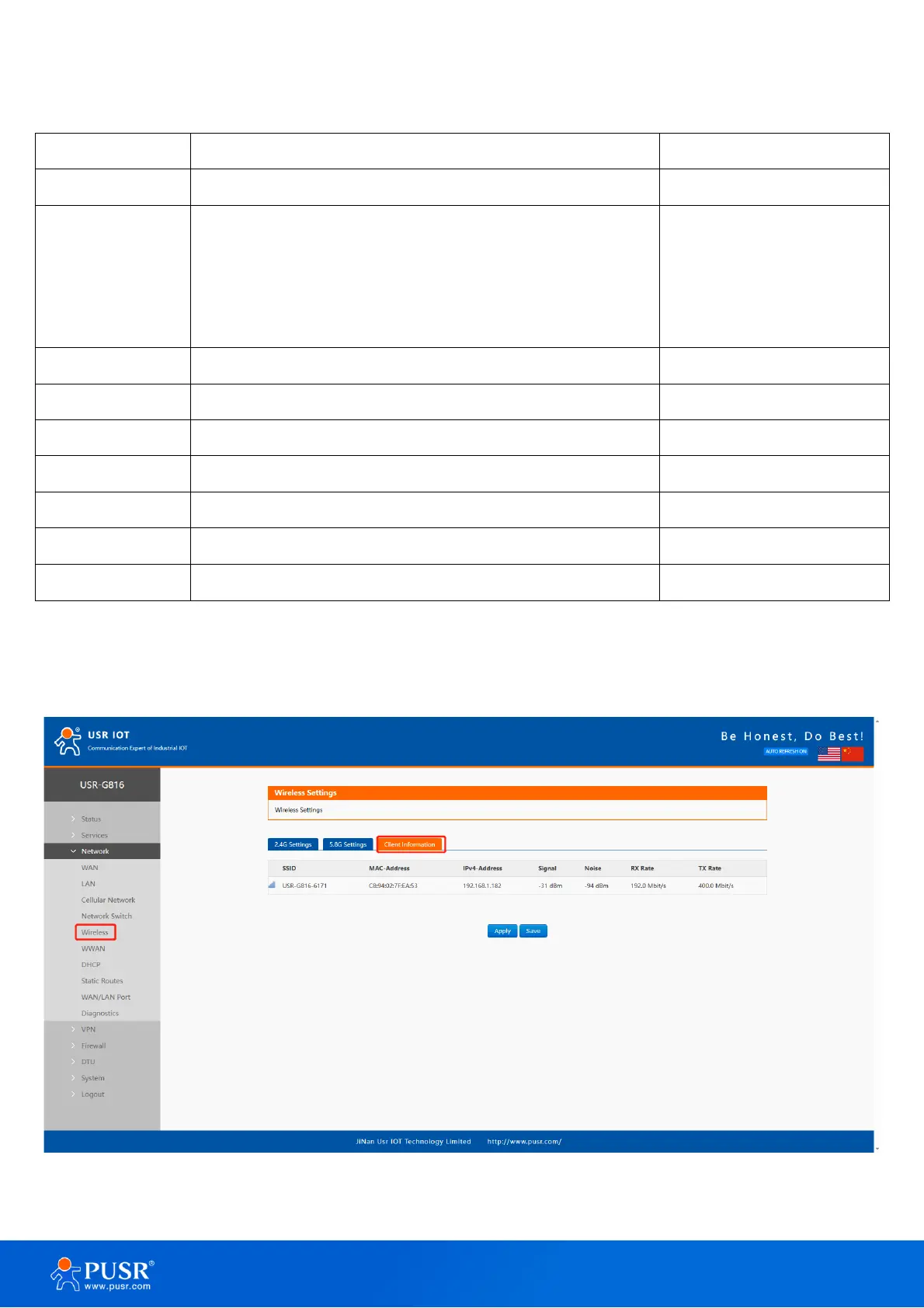
4.5.2. Client information
On this page, the users can view the device information connected to the USR-G816 through Wi-Fi.
Figure 24. Client information of Wi-Fi



 To Next Page