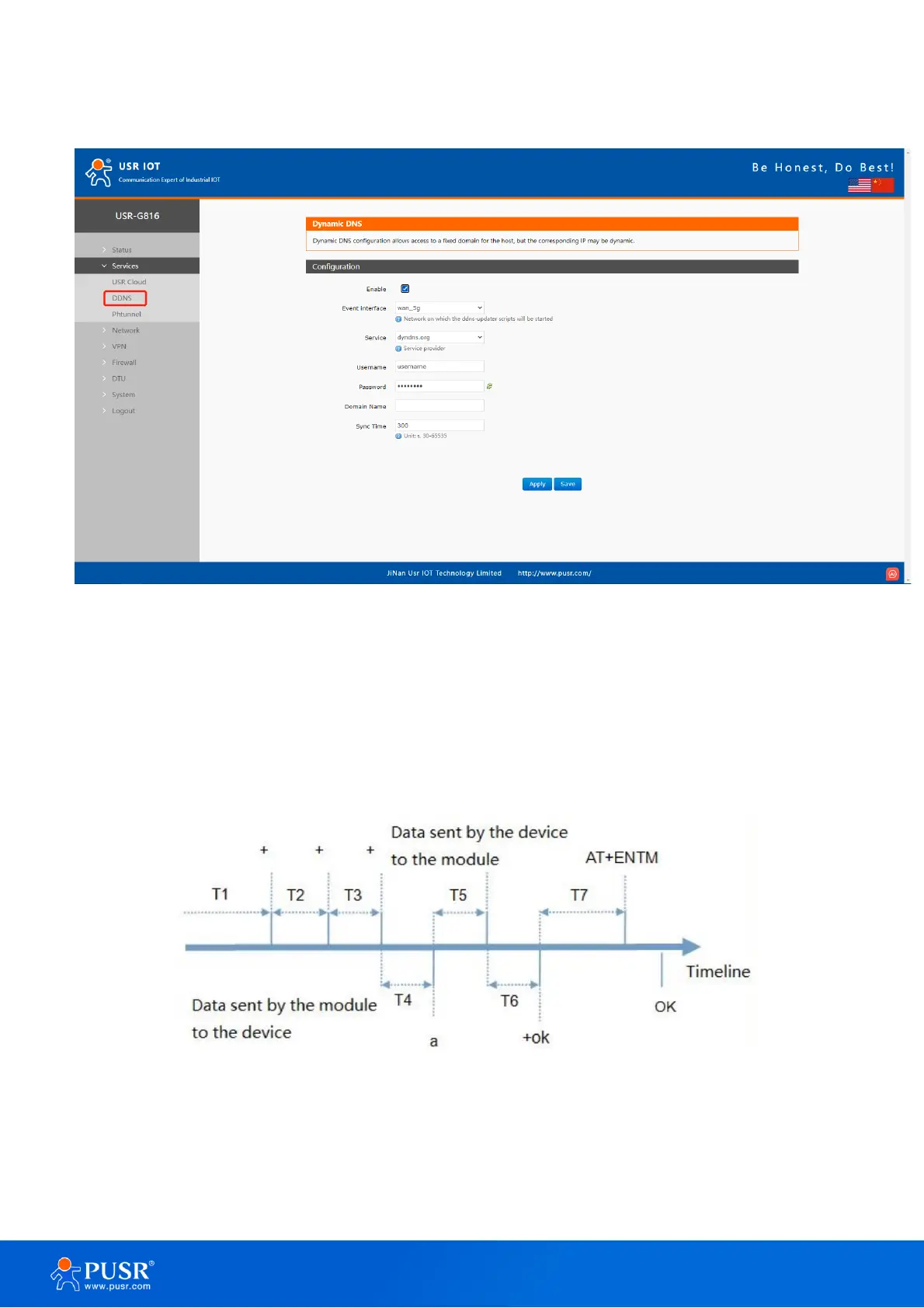
8.2. DDNS
Figure 82. Enable DDNS
9. AT Command
When the device works in transparent mode or HTTP mode, can switch to "AT command mode" by sending
time-specific data by serial port. When the operation is completed in "AT command mode", send specific
commands to return to the previous working mode.
Figure 83. Sequence chart
Time sequence of switching from transparent mode to “AT Command mode”:
1. Serial device continuously sends "+++" to the device. After receiving "+++", the device will send an "a" to
the serial device.



 To Next Page