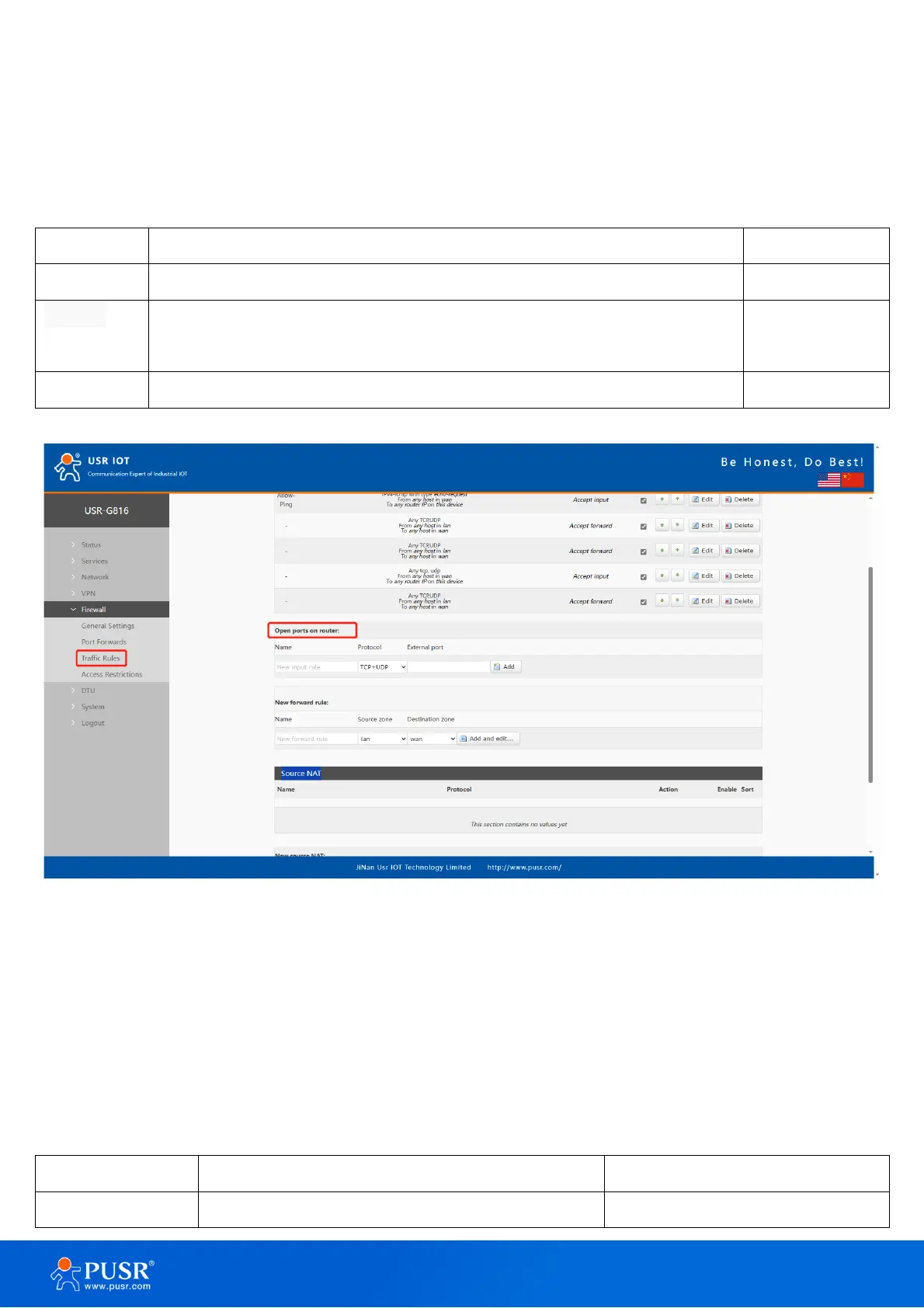
below is an example of the Open ports on device section and the table below provides information on the fields
contained in that section.
Table 14. Parameter details
The name of the rule, user defined.
Specifies to which protocols the rule should apply, including TCP+UDP, TCP,
UDP.
Specifies which port(s) should be opened.
Figure 45.
6.3.2. Add new forward rule
This is used to create firewall rules that control traffic on the FORWARD chain. The figure below is an example
of the Add New Forward Rule section and the table below provides information on the fields contained in that
section.
Table 15. Parameter details
The name of the rule, user defined.



 To Next Page