The rule will apply only to hosts that match MAC addresses specified in this
field. Leave empty to make the rule skip MAC address matching.
IP address or network segment used by connecting hosts.
IP address or network segment used by connecting hosts.
Target zone of the incoming connection.
Tagert IP address or network segment of the incoming connection.
Tagert port or range of ports of the incoming connection.
Action that is to be taken when a packet matches the conditions of the rule.
Drop: packet is stopped and deleted.
Accept: packet gets to continue to the next chain.
Reject: packet is stopped, deleted and, differently from Drop, an ICMP packet
containing a message of rejection is sent to the source from which the dropped
packet came.
Don’t track: packet is no longer tracked as it moves forward.
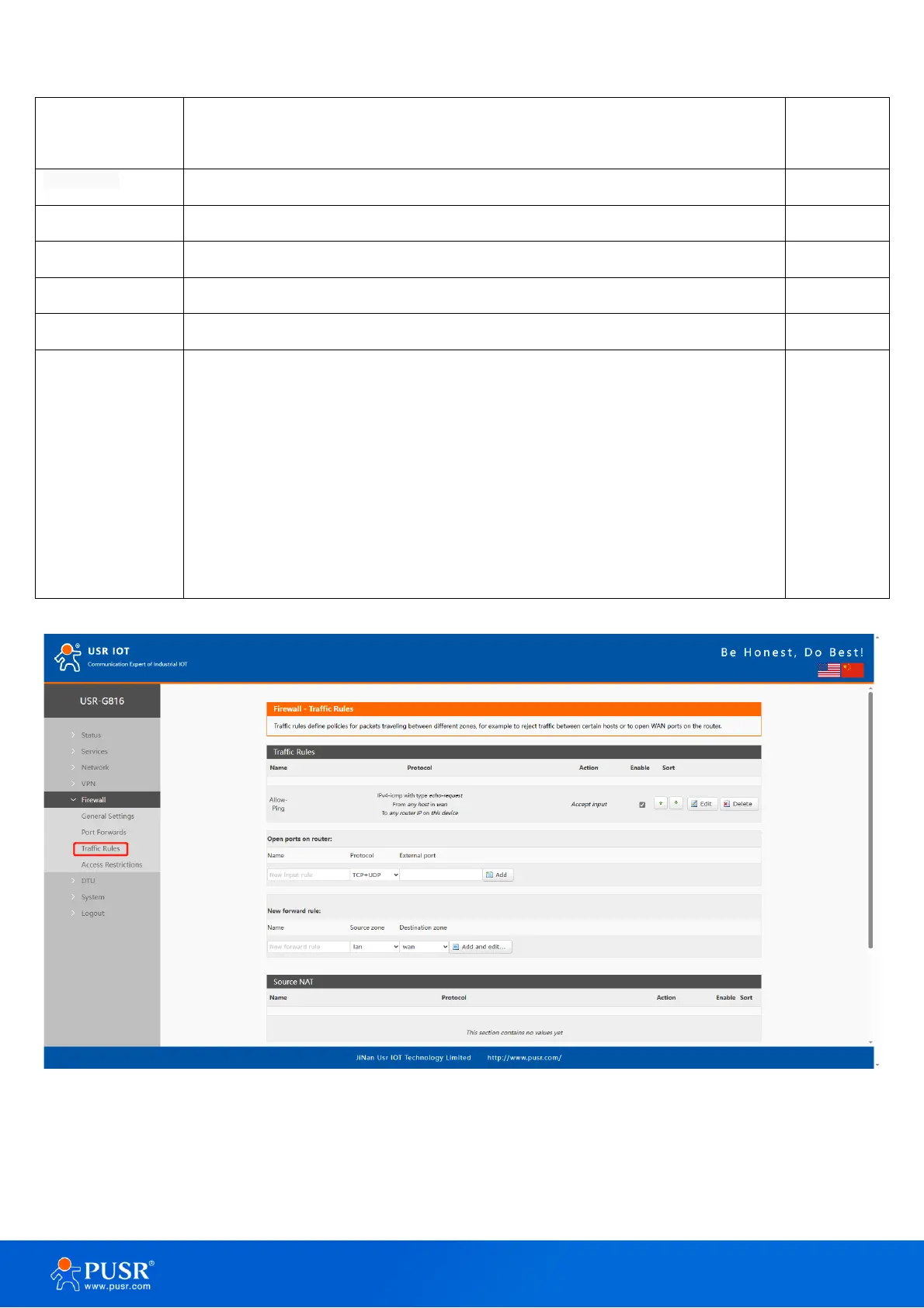
Figure 44. Traffic rules settings interface
6.3.1. Open ports on router
This provides a quick way to set simple rules that allow traffic on specified ports of the device. The figure



 To Next Page