2. No data can be sent during a packaging cycle before sending "+++".
3. When the serial device receives “a”, a “a” must be sent to the device within 3 seconds.
4. After receiving 'a', the device returns "+ok" and enter “temporary command mode”.
5. After receiving "+ok", the device has enter "temporary command mode" and now can send AT command
to it.
6. Serial device sends command "AT+ENTM" to the PUSR device.
7. After receiving the command, the PUSR device sends "+OK" to the serial device and returns to the previous
working mode.
8. When the serial device receives "+OK", it knows that the PUSR device has returned to the previous working
mode.
9.1. Serial AT Commands
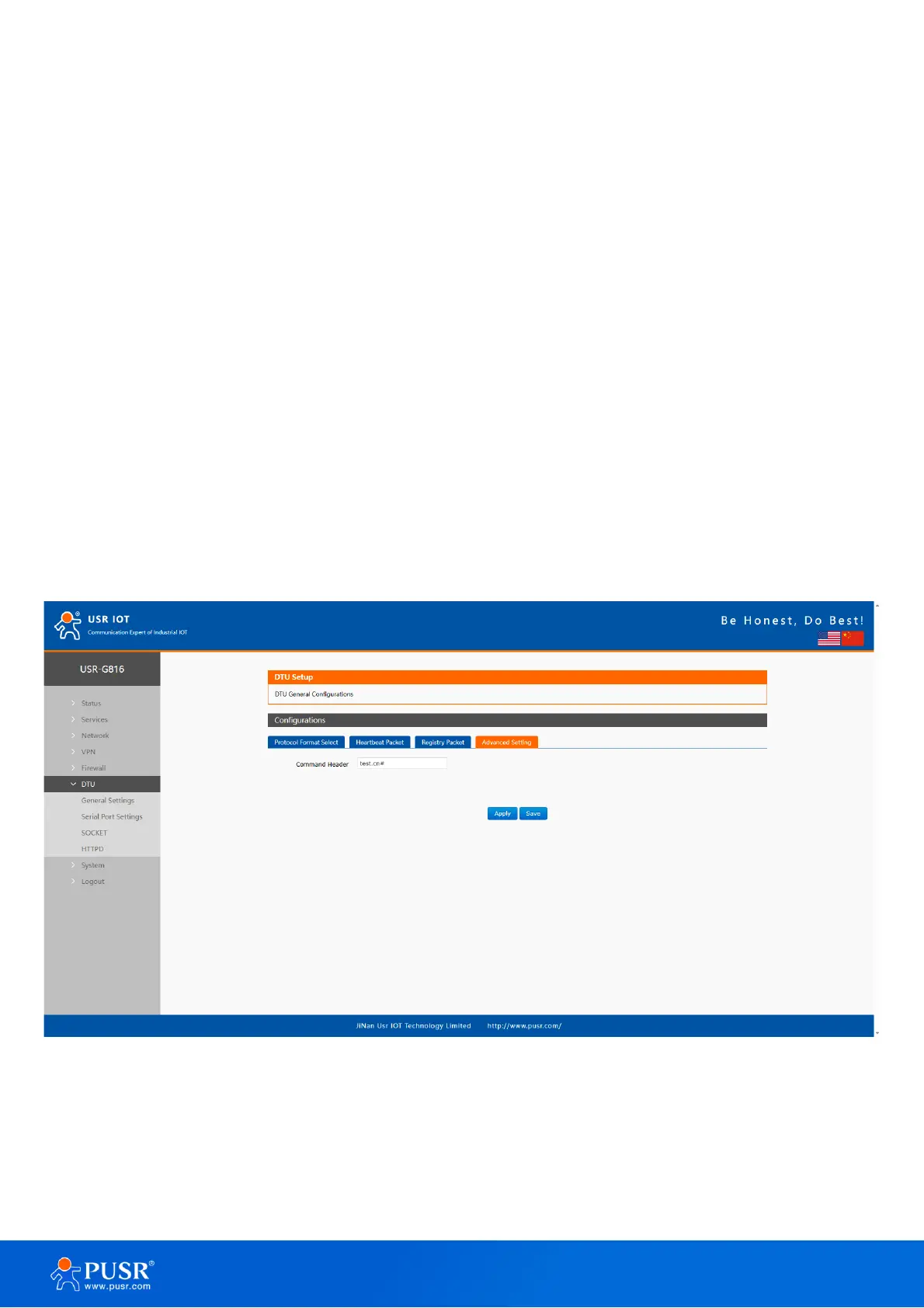
In transparent mode, we can directly send “Command Password+AT command” to query and configure the
parameters without changing to command mode. The default password is test.cn#, the one in “7.1.4. Advanced
settings (AT command password)”. Users can modify it in the following page.
Figure 84. The default password
Send command to query parameters. Then send “test.cn#AT+WANN” from the serial port, we will receive
the response from the module. (Please note there is a line feed after the command. User can also use
“AT+CMDPW” to query or configure the command password.



 To Next Page