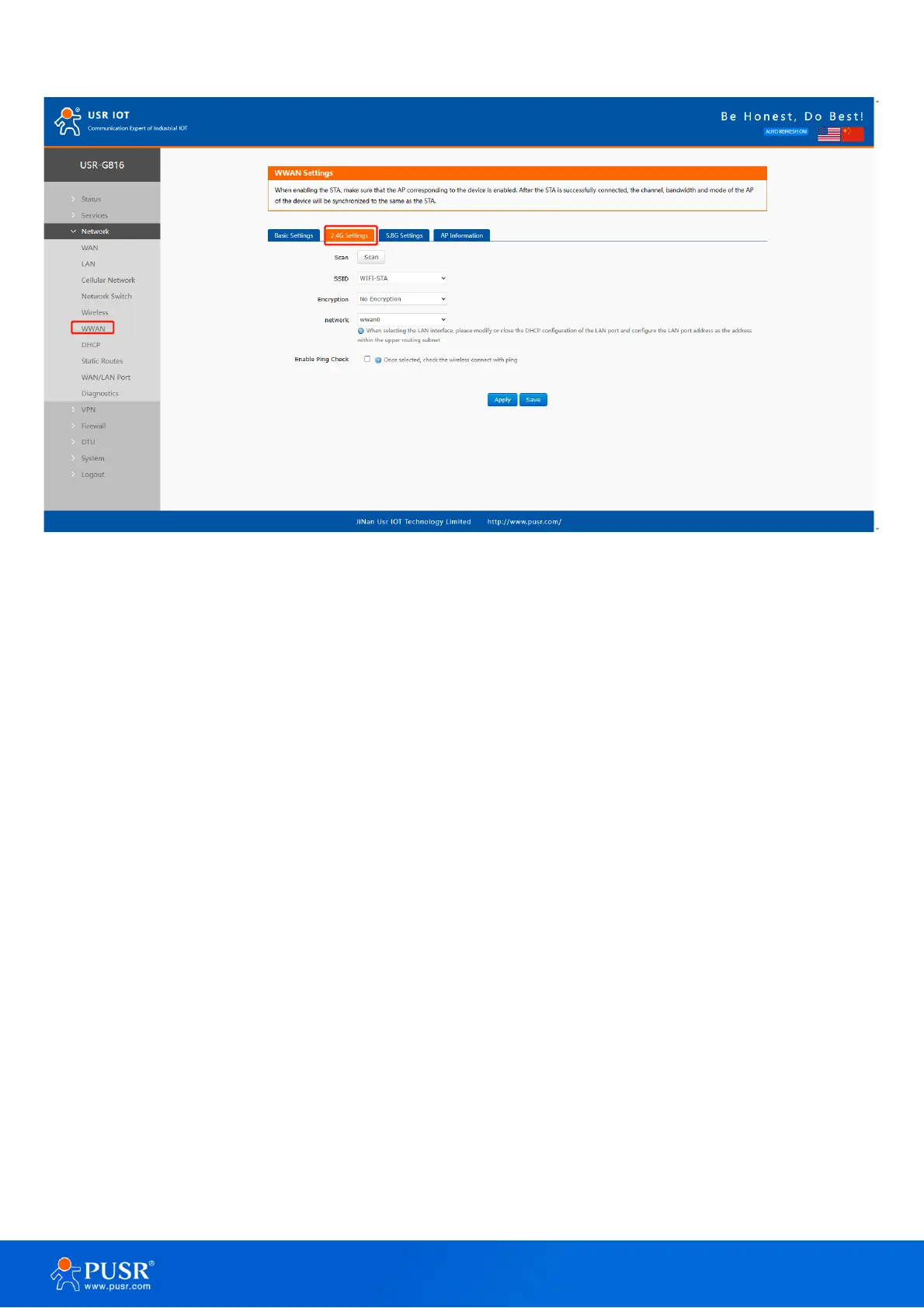
Figure 26. Scan AP information
2> Click the drop-down button of SSID, the available Wi-Fi network is displayed. Users can select the Wi-Fi
network or enter the Wi-Fi name to connect to.
3>Enter the password of the Wi-Fi network if needed.
4>Choose network type:
Wwan0: Relay mode.
LAN: Bridge mode, the DHCP service should be closed, and the LAN IP should be in the same segment of upper-
level router.



 To Next Page