9
You can navigate the main page menu and launch an operation by pressing on an icon. If battery voltage
is too low for the instrument to work properly, the SP-800 will show a low battery warning message when it
is being turned on If this happens, replace all four batteries.
2.3 Main Page
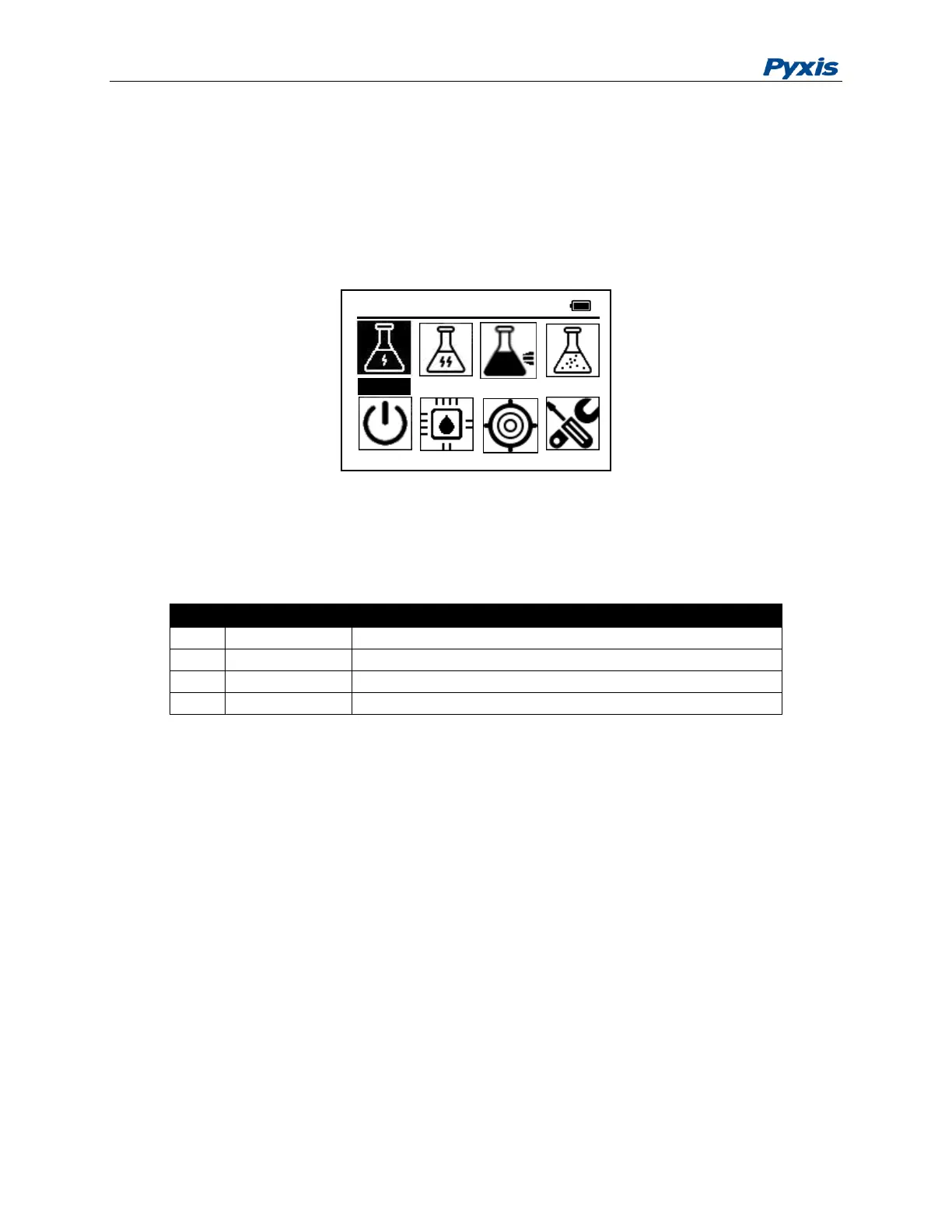
The SP-800 provides intuitive icon driven user operations. On the main page, four major feature groups are
illustrated as below:
Figure 4. Main Menu
A brief description of each feature group is given in Table 1. Detailed operation instructions can be found
in the following chapters.
Table 1 Feature Groups on Main Menu
2.4 Turning off the SP-800
Turn the SP-800 off by navigating to Power icon and press the OK key. Alternatively,
you can turn off the SP-800 by pressing OK key for 5 seconds in any menu.
2.5 The SP-800 Auto Power off
The SP-800 automatically turns itself off with no-key activity for a given period, except
for during a measurement. The auto power-off time can be set in SYS->System Set.
Pressing OK key will wake up the instrument, and the SP-800 will return to the original
page if it has any measurement data.
2.6 Auto LCD Power Saving
During a colorimetric method measurement, The SP-800 automatically turns LCD backlight off with no-key
activity and continues the measurement with the LCD backlight off. The auto LCD power-off time can be
set in SYS->System Set. Pressing any key will turn on the LCD backlight. Under normal ambient lighting
condition, icons and other contents shown on the LCD screen are readable without backlight being on.



 To Next Page