22
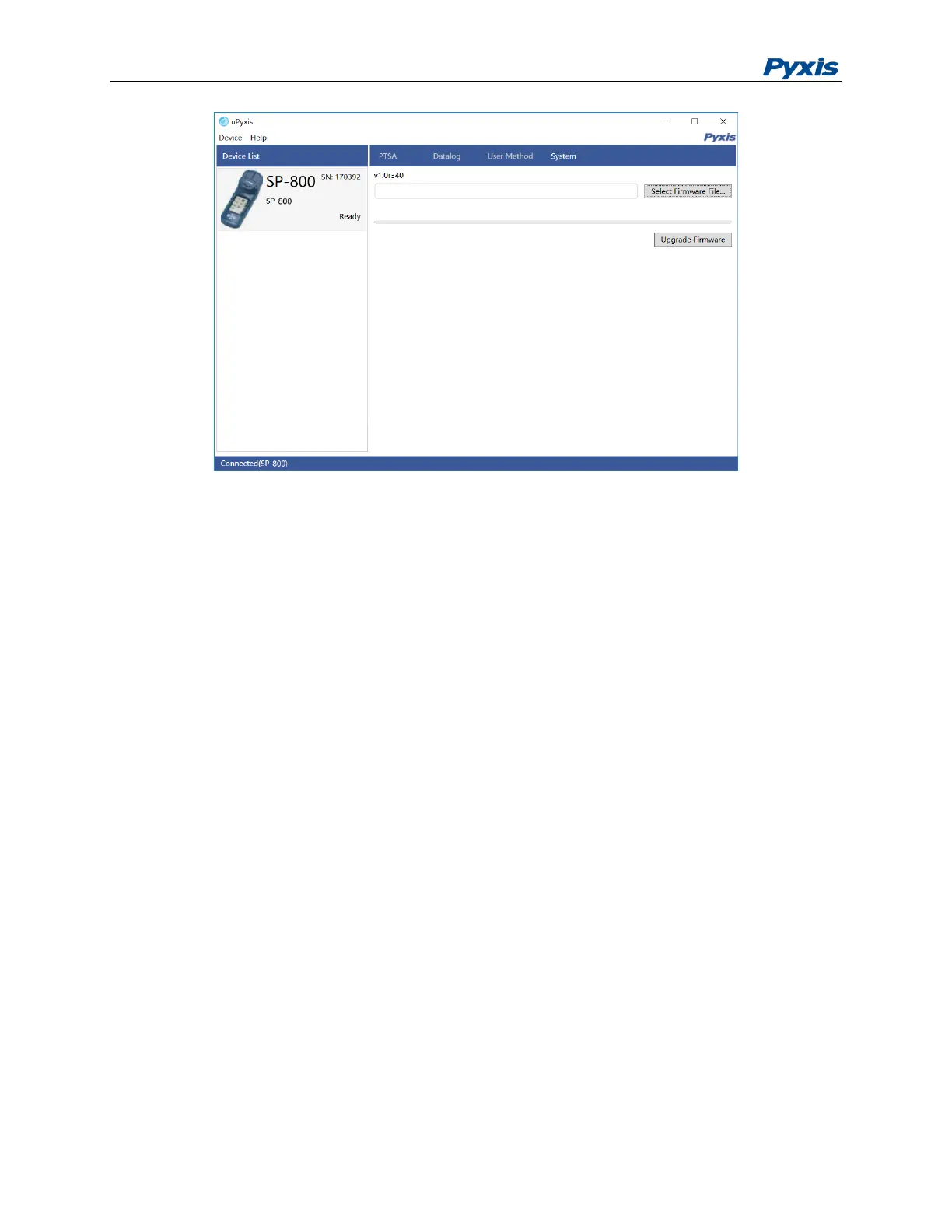
Figure 18. System Information
Add User Defined Colorimetric Methods
Click User Method tap and click Read from Device to read all current default or user defined methods
into uPyxis (figure 23). Select a method and clone a new method from the selected (figure 23). The
parameters in the method can be edited and are defined as:
No.: a sequence number, the user does not need to enter
Name: the method name
LED: the LED wavelength in nm and can be selected from the dropdown menu.
T1: the first reaction period of the method
T2: the second period of the method
T3: the third period of the method
DP0, DP1, and DP2: calibration coefficients as shown in the following equation, where A is absorbance
ppm = DP0*A
2
+ DP1*A + DP2.
Max: the maximum range of the method.
Form1: the default display form of the method, such as PO4 for a phosphate method.
Factor1: it is always 1 If the method has just one display form.
FormId: default is 0 and the user does not need to change it.



 To Next Page