19
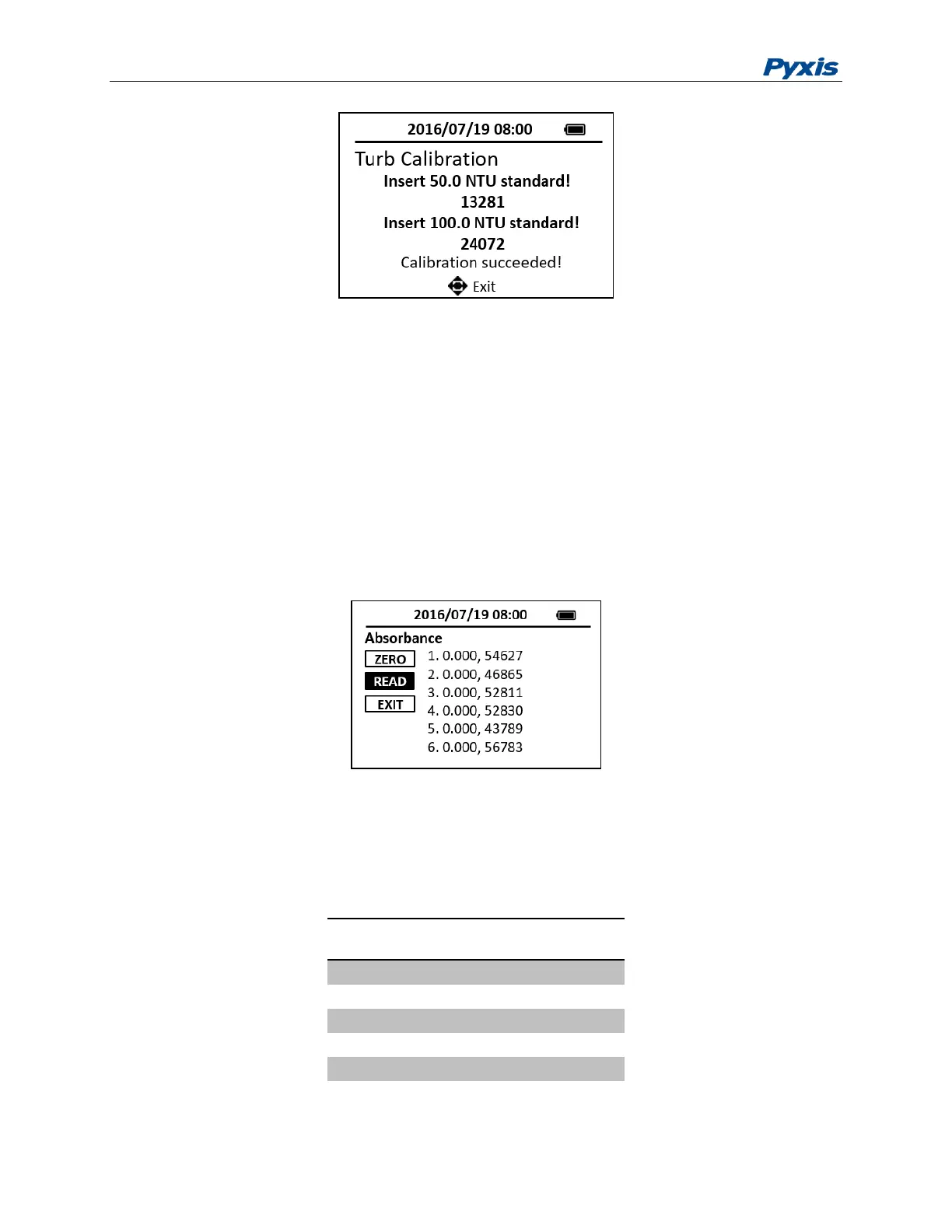
Figure 14. High Range Turbidity Calibration
5 Absorbance Measurement
The following steps are used to measure the absorbance values of a sample:
1. Press the ABS to launch the absorbance measurement page.
2. Place a vial filled with the blank sample in the sample vial compartment. Press the ZERO button
to zero the method.
3. Place a vial filled with the sample in the sample vial compartment. Press the READ button to
read absorbance. The absorbance values of first 6 wavelengths (Table 3) will be shown. Press
the READ button again to show the absorbance values of the last three wavelengths.
Figure 15. Absorbance Measurement
Press EXIT to return to the main page. Timing function for absorbance measurement may not be available
for some models.
Table 3 Wavelength of each channel



 To Next Page