16
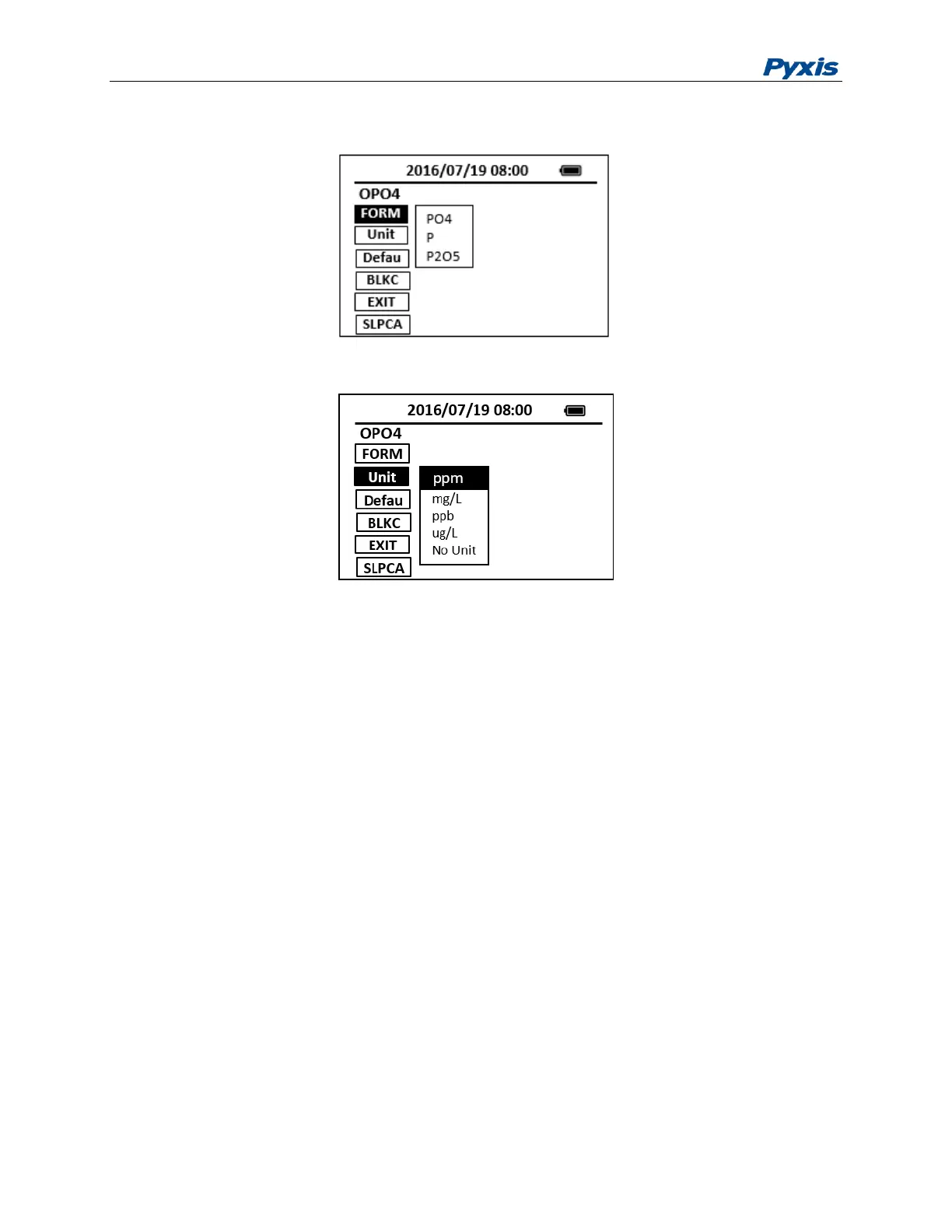
Figure 9. Method from Selection
Figure 10. Method Unit Selection
Slope Calibration
If the method has been calibrated prior to shipping, there is no need to calibrate unless a calibration check
indicates that the method needs a calibration. The following steps are used to calibrate a method:
1. Use a calibration standard of known concentration. Follow the steps required by the method and note
the value reported by the SP-800.
2. If the measured value differs from the known standard value, Press the CONFG button to launch the
method configuration page.
3. Press the slope calibration button SlpCal. A numeric keyboard will be displayed.
4. Enter the concentration value and press the OK key on the enter key in the numeric keyboard to
return to the configuration page.
5. Press the EXIT button. Press the OK key to accept the calibration or other key to cancel the calibration.



 To Next Page