23
UnitId: default is 0 and the user does not need to change it.
DecNum: the number of decimal places in the displayed concentration
After a user defined method is created, click Write to Device to save the method.
8.3.4. Download Datalog
Click Datalog tap to open the datalog page. Click Read Datalog List to retrieve the datalog list from the
SP-800 (figure 20). Select a datalog entry from the list and then click Read Datalog to load the
measurement values to uPyxis (figure 29). The datalog can be saved as a CSV file.
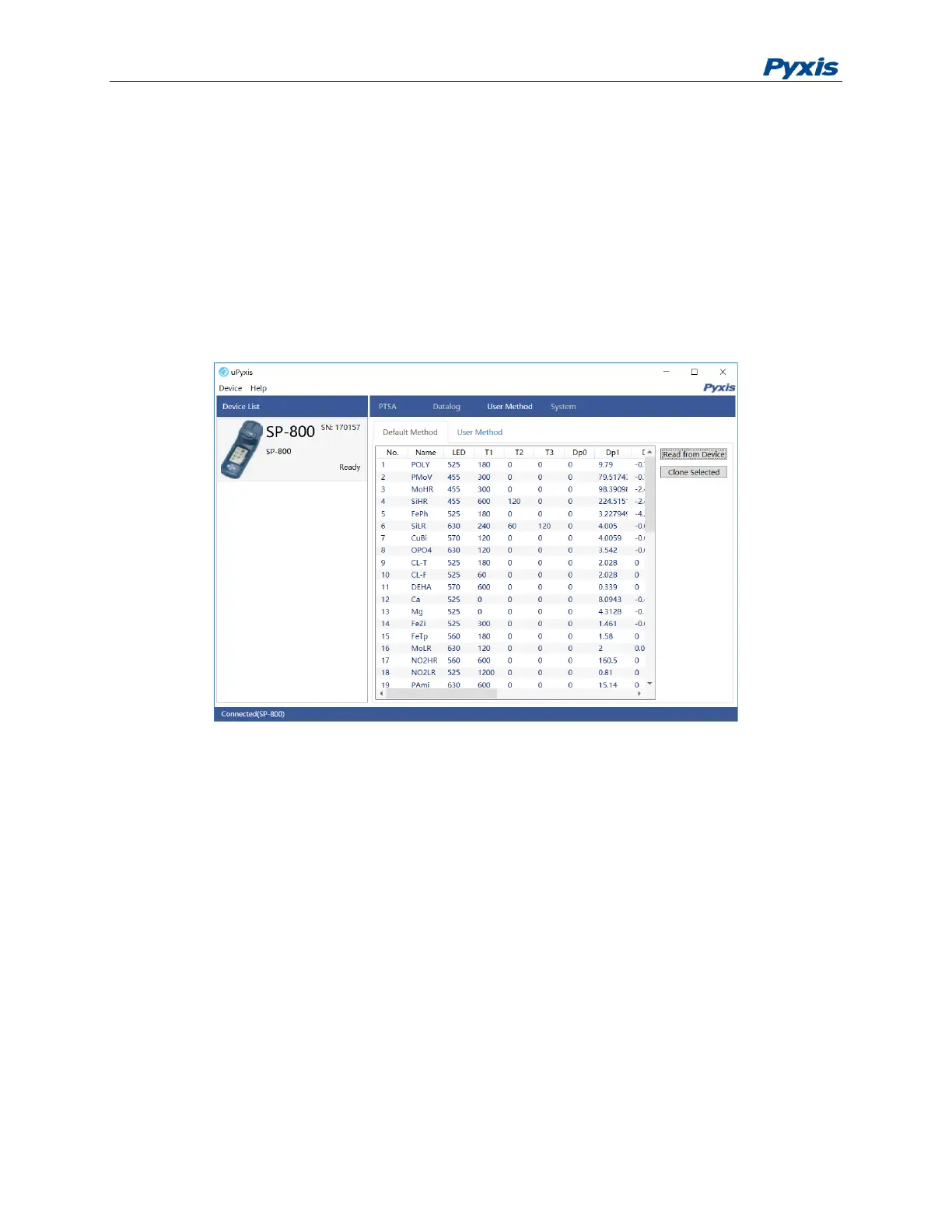
Figure 19. Load the default Methods



 To Next Page