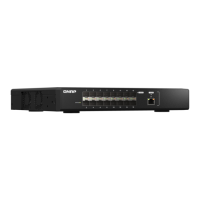
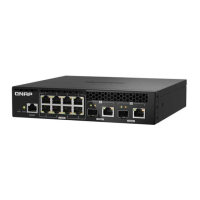
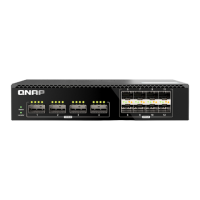
QSW-M3212R
3. Verify that the computer recognizes the switch.
a. Open Qnder Pro on the host computer.
Note
To download Qnder Pro, go to https://www.qnap.com/utilities.
b. Locate the switch on the list.
Connecting the switch to a network
You can connect the switch to the local area network through the host port.
1. Power on the switch.
2. Connect the switch to your local area network using the host port.
3. Run Qnder Pro on a computer that is connected to the same local area network.
Note
To download Qnder Pro, go to https://www.qnap.com/utilities.
4. Locate the switch in the list and then double-click the name or IP address.
The QSS login screen appears.
5. Enter your QSS login information.
QSW Managed Switches User Guide
Installation and Access 11



 To Next Page
 Loading...