4. QSS
About QSS
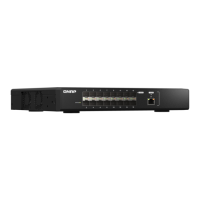
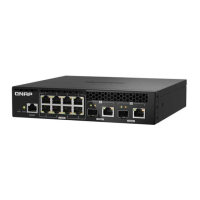
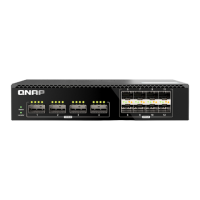
The QNAP Switch System (QSS) is a network management operating system for QNAP switch devices. QSS
allows for Layer 2 network administration and system management of the switch.
Getting started
1. Log in to the switch as an administrator.
The default administrator account is admin.
For details, see Switch access.
2. Congure the system settings.
For details, see System settings.
3. Congure port settings and other network settings.
For details, see Network management.
Network management
Basic network conguration of the switch includes port management, VLAN conguration, conguration of
various protocols, and trac management via quality of service (QoS) and access control lists (ACLs).
Dashboard
The dashboard opens to the conguration section of the interface. Click the drop-down menu in the
dashboard to view the port status, VLAN status, link aggregation status, and port trac for all ports.
You can also delete user-congured network settings and monitor the network settings of the switch.
Conguring port settings
1. Log in to QSS.
2. Go to Conguration > Port Management .
3. Go to Port Conguration.
4. Identify a port.
5. Congure the settings.
Setting Description
State Enables or disables the switching port
Speed Allows the port speed to be auto-negotiated or controlled using the
selected speed
Flow Control Enables or disables ow control for the port
6. Click Save.
QSS saves the settings.
QSW Managed Switches User Guide
QSS 18



 To Next Page
 Loading...