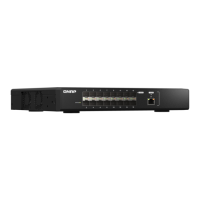
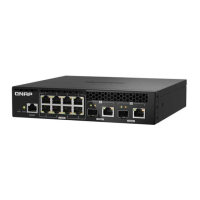
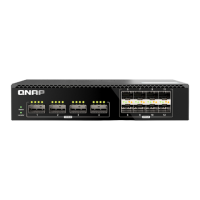
Locator LED
Status Description
Flashes amber The switch is being located.
Note
The locator LED ashes for 30 minutes when the
locator function is enabled.
O • The switch is not being managed by the cloud.
• The locator function is disabled.
10 Gigabit Ethernet LED
Status Description
Green The network connection is operating at 10 Gbps.
Flashes green The device is being accessed from a 10 GbE network.
Amber The network connection is operating at 100 Mbps, 1 Gbps, 2.5 Gbps, or
5Gbps.
Flashes amber The device is being accessed from a 100 Mbps, 1 Gbps, 2.5 Gbps, or
5Gbps network.
O • There is no cable connected to the port.
• Auto-negotiation failed.
• Link speed mismatch occurred.
• Port link-up failure.
• The port is disabled in QSS.
• A network loop was detected and loop protection has disabled the
port.
10 Gigabit SFP+ LED
Status Description
Green The network connection is operating at 10 Gbps.
Flashes green The device is being accessed from a 10 GbE network.
Amber The network connection is operating at 1 Gbps.
Flashes amber The device is being accessed from a 1 Gbps network.
O • There is no cable connected to the port.
• Auto-negotiation failed.
• Link speed mismatch occurred.
• Port link-up failure.
• The port is disabled in QSS.
• A network loop was detected and loop protection has disabled the
port.
QSW Managed Switches User Guide
Basic Operations 16



 To Next Page
 Loading...