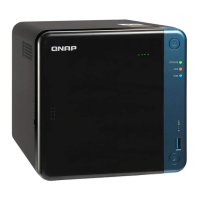
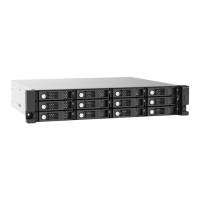
3. Connect the power cord.
4. Connect the RAID enclosure to your NAS or computer.
For details, see the following topics:
• Connecting the RAID Enclosure to a NAS
• Connecting the RAID Enclosure to a Computer
5. Power on the RAID enclosure.
6. Optional: Configure the RAID settings.
For details, see RAID Configuration.
QNAP External RAID Enclosure User Guide
Product Overview 10



 To Next Page