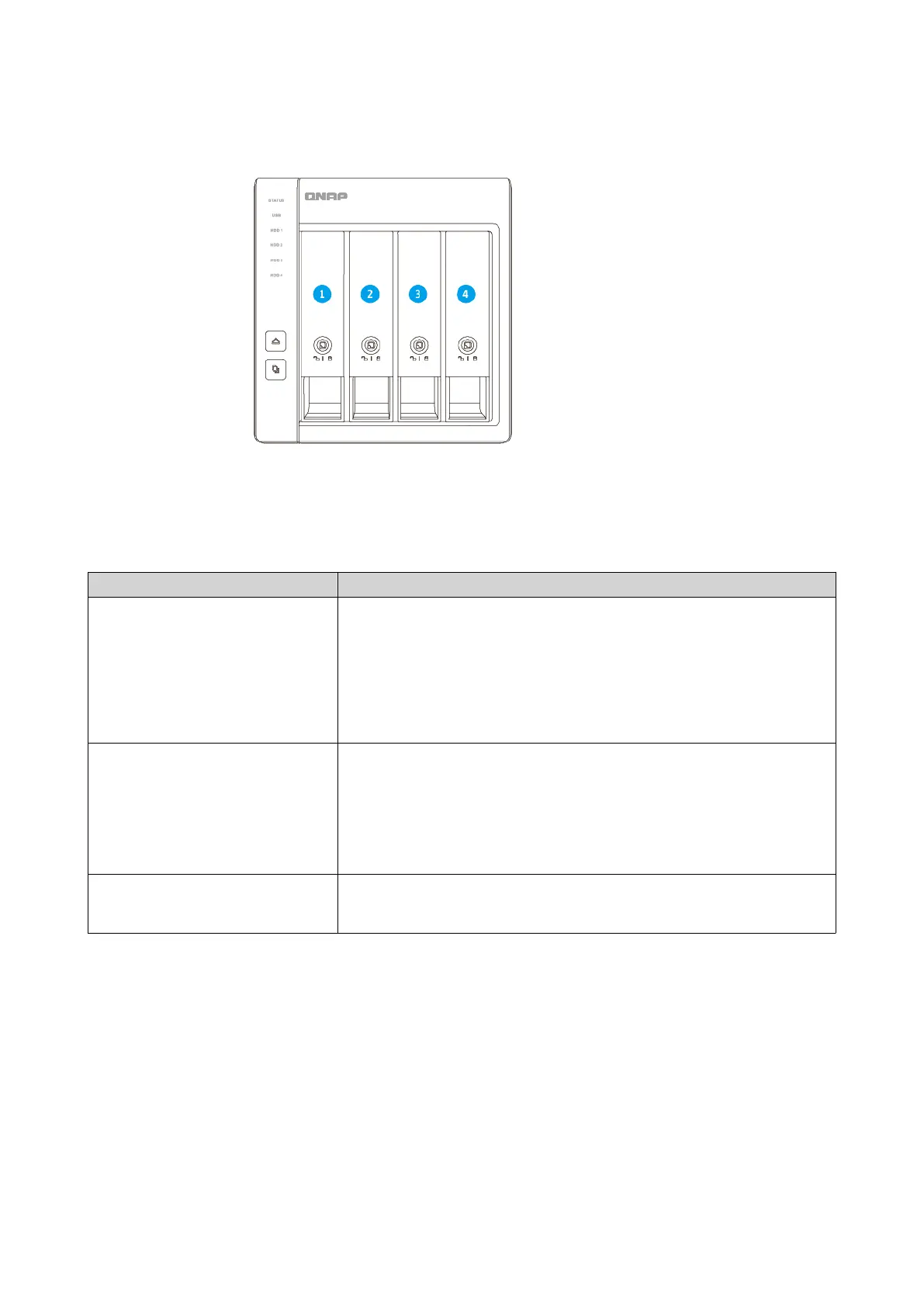
TR-004
Installation Requirements
Category Item
Environment • Room temperature: 0˚C to 40˚C (32˚F to 104˚F)
• Non-condensing relative humidity: 5% to 95%
• Wet-bulb temperature: 27˚C (80.6˚F)
• Flat, anti-static surface without exposure to direct sunlight, liquids,
or chemicals
Hardware and peripherals • NAS or computer
• Storage drives
For details on compatible drives, go to https://www.qnap.com/
compatibility/.
• USB connector cable
Tools • Phillips #1 or #2 screwdriver
• Anti-static wrist strap
Setting Up the RAID Enclosure
1. Place the RAID enclosure in an environment that meets the requirements.
For details, see Installation Requirements.
2. Install the drives.
For details, see the following topics:
• Installing 3.5-inch Drives on 3.5-inch Trays
• Installing 2.5-inch Drives on 3.5-inch Trays
QNAP External RAID Enclosure User Guide
Product Overview 9



 To Next Page