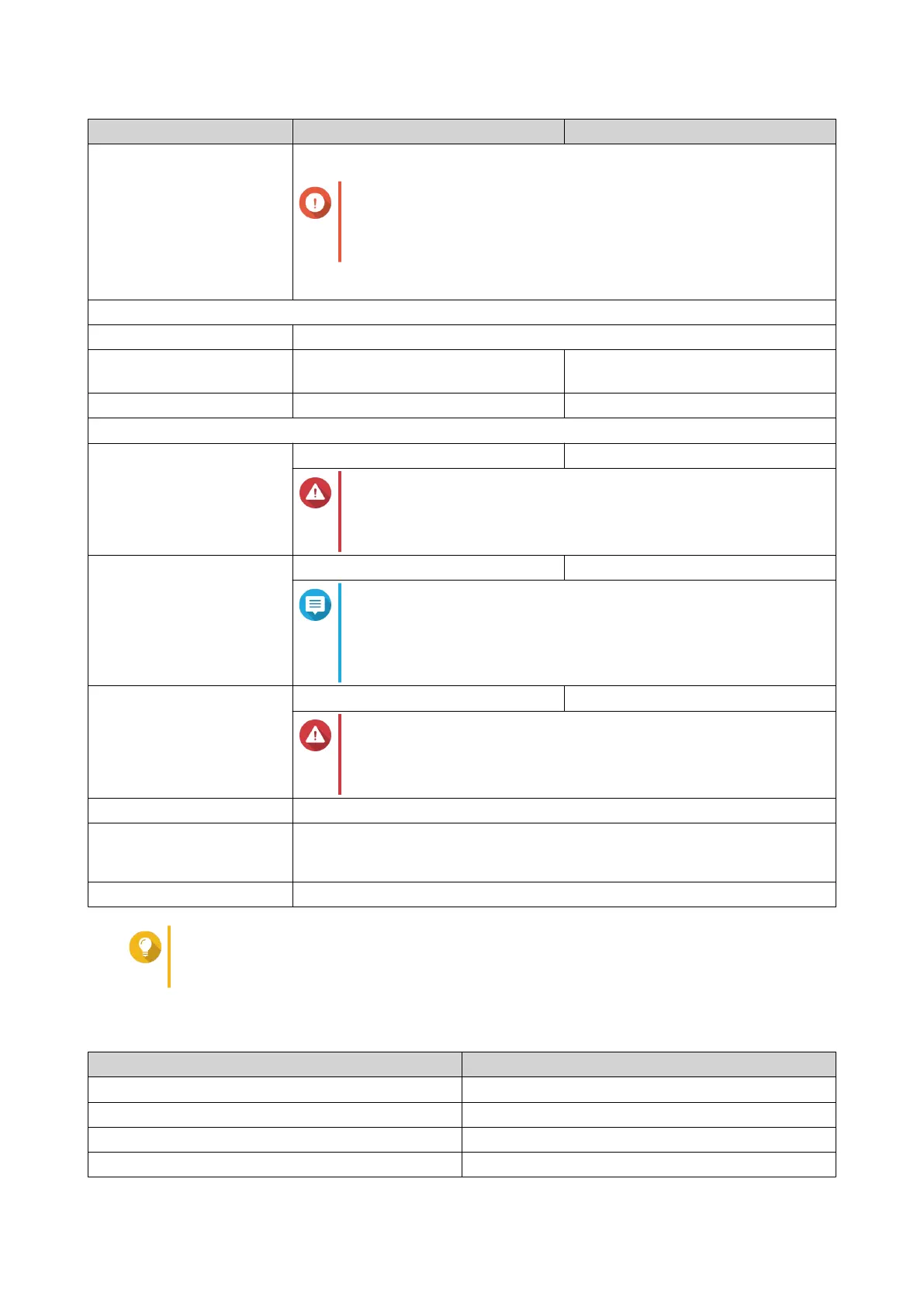
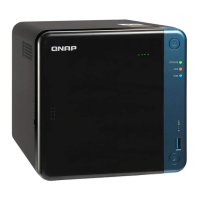
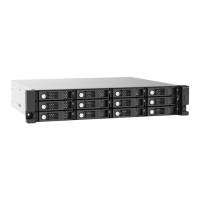
Component TR-002 TR-004
Switches • Power
Important
QNAP recommends waiting at least two seconds after
powering off the RAID enclosure before powering it on
again.
• Mode
Dimensions
Form factor Tower
Dimensions (H x W x D) 169 x 102 x 219 mm
(6.65 x 4.02 x 8.62 in)
169 x 160.2 x 219 mm
(6.65 x 6.31 x 8.62 in)
Net weight 1.37 kg (3.02 lbs) 1.85 kg (4.08 lbs)
Others
Power supply unit 36W, 100-240V AC, 50/60 Hz 65W, 100-240V AC, 50/60 Hz
Warning
To reduce the risk of fire or electric shock, ensure that you
only connect the power cord to a properly grounded
electrical outlet.
Sound level 17.8 db(A) 18.1 db(A)
Note
The sound level was tested at a bystander position, which is
within one meter of the RAID enclosure. The test device
operated at low speed with the maximum number of drives
installed.
Fans System: 1 x 7 cm, 12V DC smart fan System: 1 x 12 cm, 12V DC smart fan
Warning
To avoid potential injury or damage to the components, do
not touch the fans while the device is connected to a power
source.
Operating temperature 0˚C to 40˚C (32˚F to 104˚F)
Relative humidity • Non-condensing relative humidity: 5% to 95%
• Wet-bulb temperature: 27˚C (80.6˚F)
Security slot Kensington security slot
Tip
Model specifications are subject to change without prior notice. To see the latest
specifications, go to https://www.qnap.com.
Package Contents
Item Quantity
External RAID enclosure 1
AC power adapter 1
Power cord 1
USB Type-C to Type-A connector cable 1
QNAP External RAID Enclosure User Guide
Product Overview 5



 To Next Page