2. Product Overview
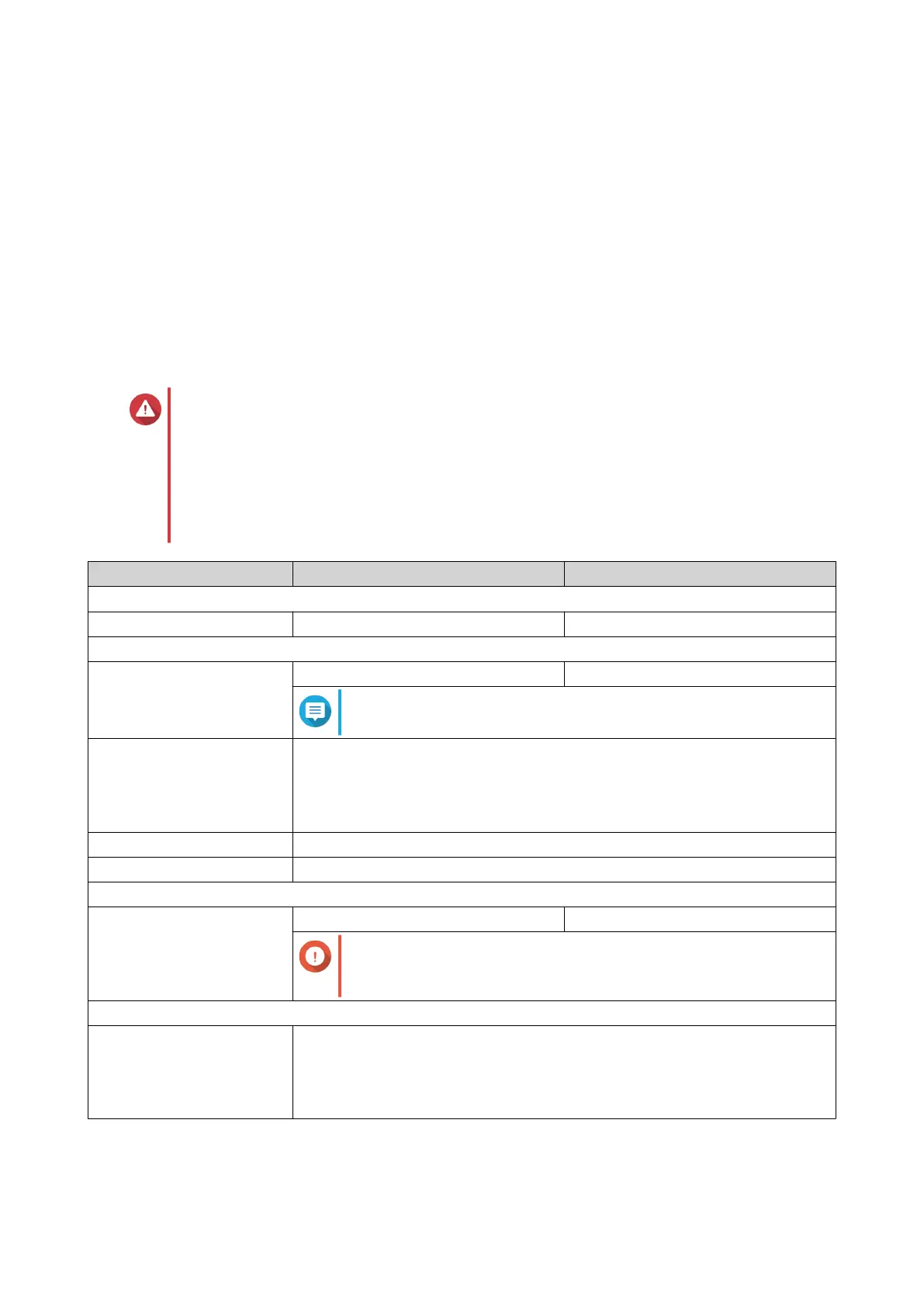
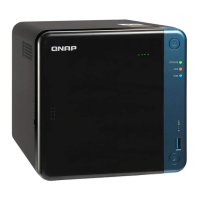
This chapter provides basic information about the QNAP TR-002 and TR-004 external RAID enclosures.
About QNAP External RAID Enclosures
QNAP external RAID enclosures are designed to increase the capacity and utility of your NAS or computer.
They provide RAID, JBOD, and port multiplier support for added compatibility and security across multiple
platforms. The TR-002 and TR-004 feature a mode switch for easy and accessible RAID configuration, and
their USB Type-C ports ensure quick and efficient data transfer.
Hardware Specifications
Warning
If your QNAP product has hardware defects, return the product to QNAP or a QNAP-
authorized service center for maintenance or replacement. Any attempt to repair or
perform maintenance procedures on the product by you or an unauthorized third-party
invalidates the warranty.
QNAP is not responsible for any damage or data loss caused by unauthorized
modifications and installation of unsupported third-party applications.
For details, see the QNAP Warranty Terms and Conditions.
Component TR-002 TR-004
Ordering Information
Ordering P/N TR-002 TR-004
Storage
Drive bays 2 x 3.5-inch SATA 6 Gbps 4 x 3.5-inch SATA 3 Gbps
Note
The TR-004 is compatible with SATA 6 Gbps drives.
Drive compatibility • 3.5-inch SATA hard disk drives
• 2.5-inch SATA hard disk drives
• 2.5-inch SATA solid-state drives
Drive tray type Key lock
Hot-swapping Yes
External I/O Ports & Expansion Slots
USB ports 1 x USB 3.1 Gen 2 (10 Gbps) Type-C 1 x USB 3.0 Type-C
Important
This port is only for connecting the RAID enclosure to a
NAS or computer.
Interface
Buttons • Eject
• Set
• USB One Touch Copy
QNAP External RAID Enclosure User Guide
Product Overview 4



 To Next Page