• Observe electrostatic discharge (ESD) procedures to avoid damage to components.
1. Power off the RAID enclosure.
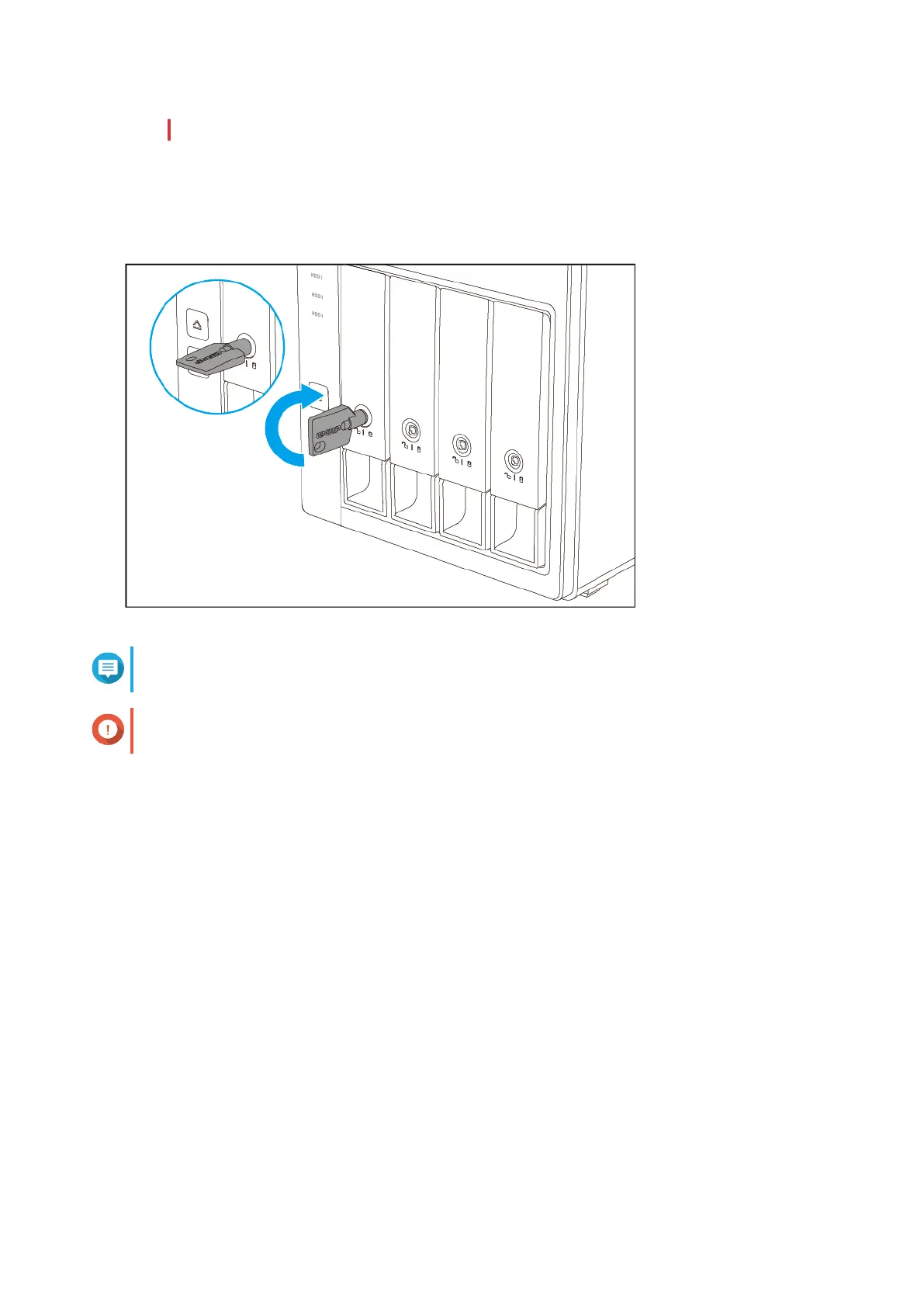
2. Remove a drive tray.
a. Optional: Unlock the tray.
Note
The preinstalled drive trays come unlocked.
Important
Ensure that the drive tray keys are stored in a safe place.
b. Pull the handle to release the tray.
c. Pull the tray out.
QNAP External RAID Enclosure User Guide
Hardware Installation 15


 To Next Page