•
Moving fan blades: Keep your hands and other body parts away from moving fan
blades.
•
Other moving components: Keep your hands and other body parts away from other
moving components.
1. Power o the NAS.
2. Remove the drive tray.
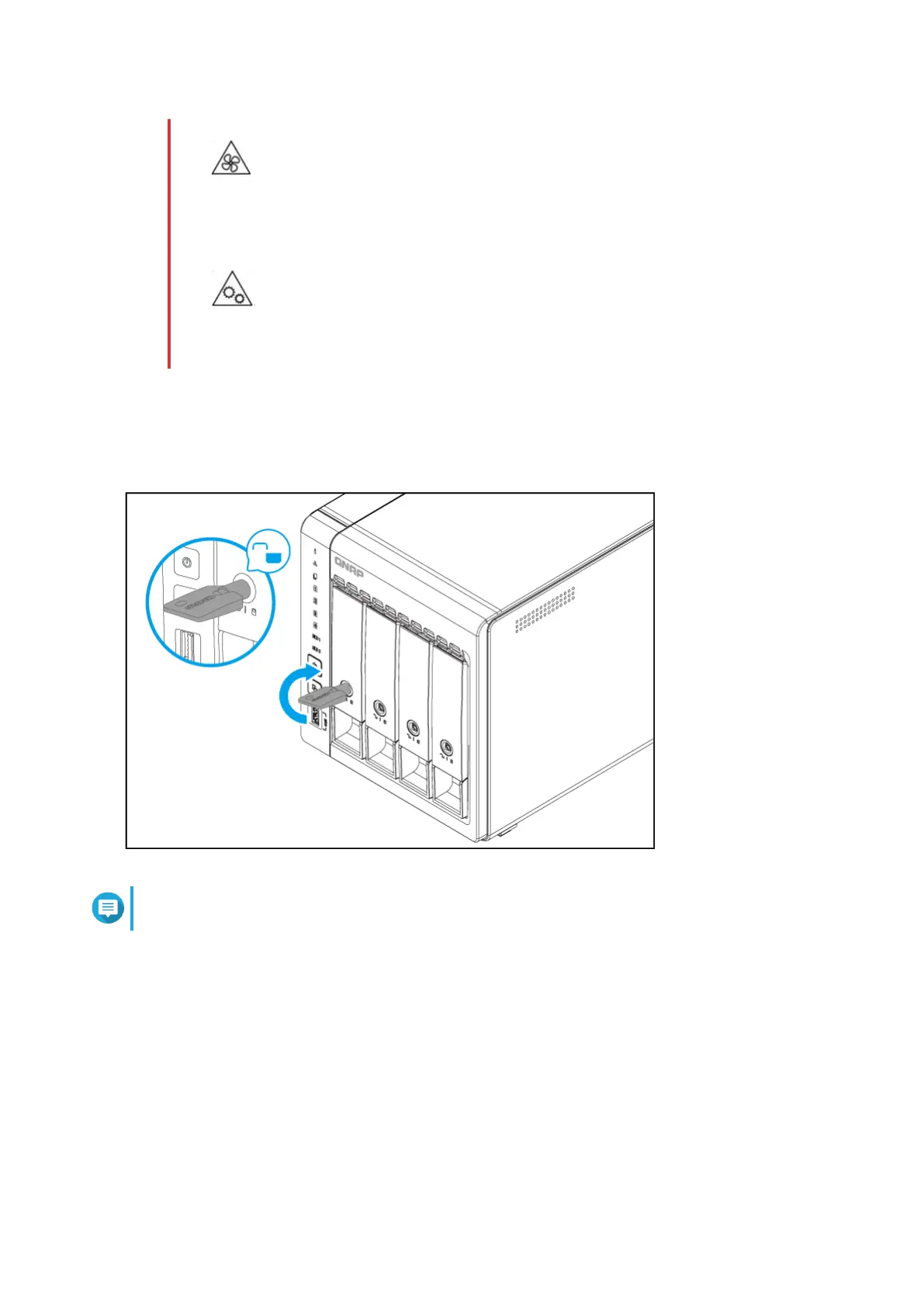
a. Optional: Unlock the tray.
Note
The preinstalled drive trays come unlocked.
b. Pull the handle to release the tray.
c. Pull the tray out.
TS-x53E User Guide
Installation and Conguration 17



 To Next Page