Need help?
Do you have a question about the QNAP TS 53D Series and is the answer not in the manual?
Provides information on the QNAP TS-x53D NAS and instructions for installation, operations, and troubleshooting.
Describes the intended reader and explains the meaning of symbols used in the manual.
Details the technical specifications of the TS-x53D NAS models, including dimensions, power, and memory.
Lists all items included in the TS-x53D NAS package, such as the NAS unit and accessories.
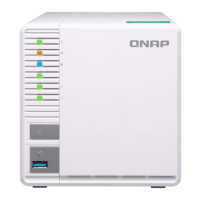
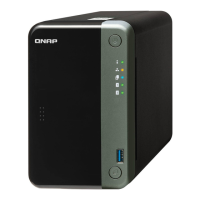
Identifies and describes the physical components on the front and rear panels of the NAS.
Illustrates the numbering scheme for the drive bays on the TS-253D, TS-453D, and TS-653D models.
Provides essential instructions for personal and environmental safety during NAS operation and maintenance.
Lists the necessary environmental conditions, hardware, and tools for installing the NAS.
Guides on installing physical hardware components like drives, RAM, and expansion cards.
Instructions for connecting USB and SATA JBOD expansion units to the NAS.
Covers methods for installing QTS via Qfinder Pro, Cloud Key, or HDMI connection.
Explains how to use the power button and perform system resets for the NAS.
Describes the functionality of the USB One Touch Copy button for data backups.
Interprets the meaning of various LED lights for system status, LAN, and drive activity.
Explains the different audio beeps and their corresponding system events or alerts.
Addresses problems locating the NAS and hot-swapping or recovering failed drives.
Explains RAID recovery for removed drives and lists available QNAP support resources.
Defines important terms used in the manual, such as CloudKey, myQNAPcloud, Qfinder Pro, and QTS.
Details the limited warranty, legal disclaimers, and liability limitations for QNAP products.
Provides the terms and conditions of the GNU GPL, version 3.

 To Next Page
 General