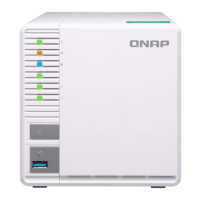
3. Remove the drive tray.
a. Remove a drive tray by simultaneously pressing the latch and pulling the tray.
Important
Remember the number of each drive. The drive trays will need to be returned to their original
bays.
b. Pull the tray handle outward.
c. Pull the tray out.
4. Install a drive on the tray.
a. Remove the right fastening panel from the drive tray.
TS-x53D User Guide
Installation and Configuration 19

 To Next Page
 Loading...