17
Mute
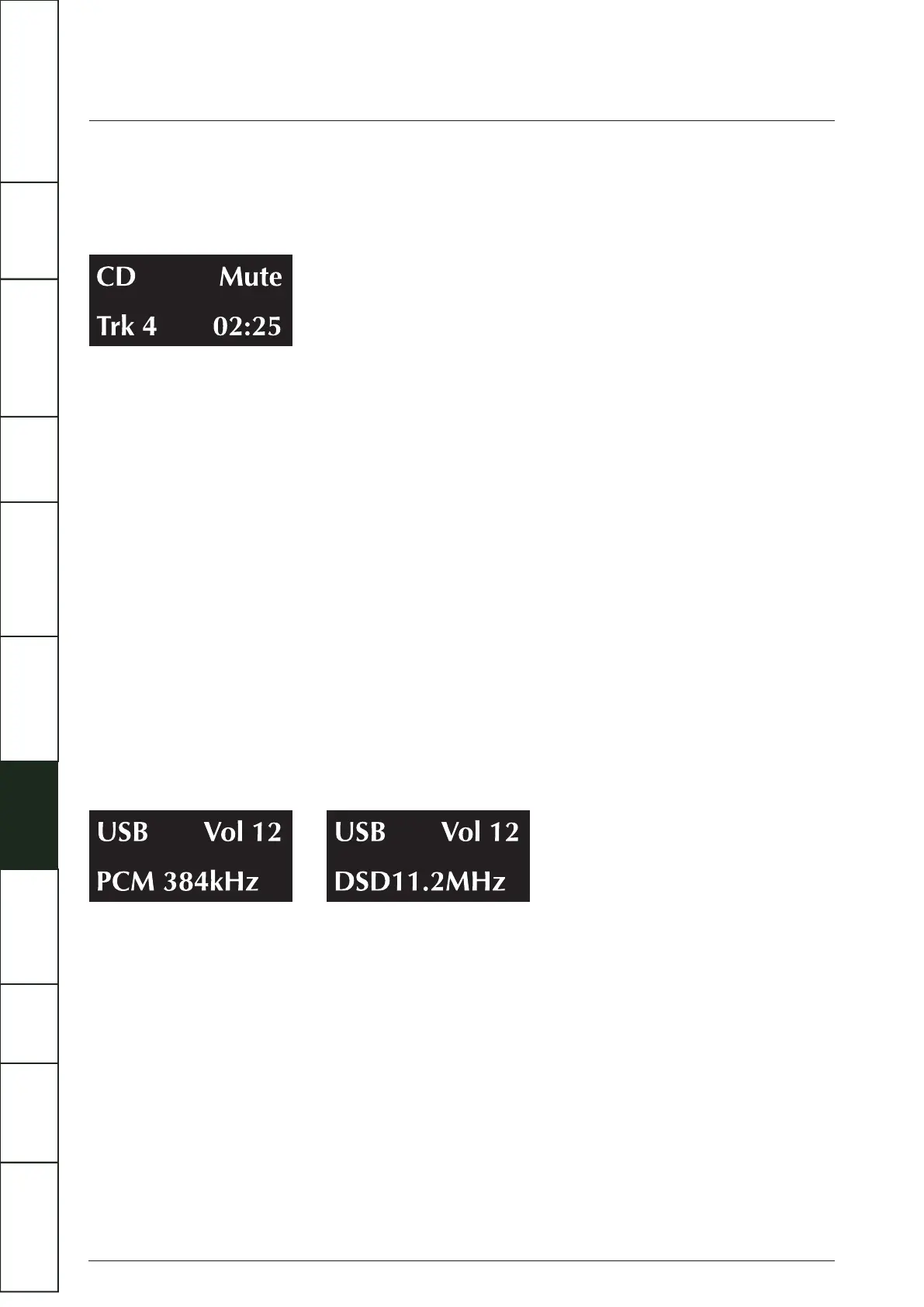
Press the MUTE key on the handset to mute the sound output. The word “Mute” appears briefly on screen and then the play screen
restores.
Pressing the info key on the handset will display "Mute", indicating that the player is in mute.
When the output is muted:
• Pressing the Mute key on the handset cancels mute.
• Changing the Volume level cancels mute.
• Bringing the unit into and out of Standby will cancel mute.
Playing a USB input
To use the USB input for the first time, a Windows PC will require the installation of the USB driver. Download the driver via
www.quad-hifi.co.uk. please refer to the software file instructions. Connect your computer to the Artera Solus Play via USB cable
(type A to Type B), change the Artera Solus Play mode to USB input using the handset or the button on the front panel.
“NoPC” will be displayed if there is no input signal via USB. The Artera Solus Play will lock digital inputs will lock onto the input
data when there is an input signal for USB. The display screen will then indicate the presence of a digital signal and show the output
sampling frequency of the music file in your computer.
If input sampling frequency is 384kHz, display shows PCM384 kHz.
If the format of music file is DSD64, display shows DSD2.8MHz.
If the format of music file is DSD128, display shows DSD5.6MHz.
If the format of music file is DSD256, display shows DSD11.2MHz.
Press the info key on the handset, display shows as follows: (e.g. On your computer, file sampling frequency is 384kHz or the
format of music file is DSD 256)
HID function is available when playing PC USB. Play, Pause, Previous track, Next track can be controlled by the handset.
IMPORTANT
SAFETY INFORMATION
REMOTE
HANDSET
CONTROLS AND
FUNCTIONS
CONNECTIONS
SYSTEM
OPERATIONS
DTS PLAY-FI
®
WIRELESS...
MENU
OPTIONS
SPECIFICATIONS CONTENTSINTRODUCTION
WARRANTY
COVERAGE



 To Next Page