112 Chapter 8 Analyzing Digital Sources and Cables
Starting the Analyzer Setup Utility
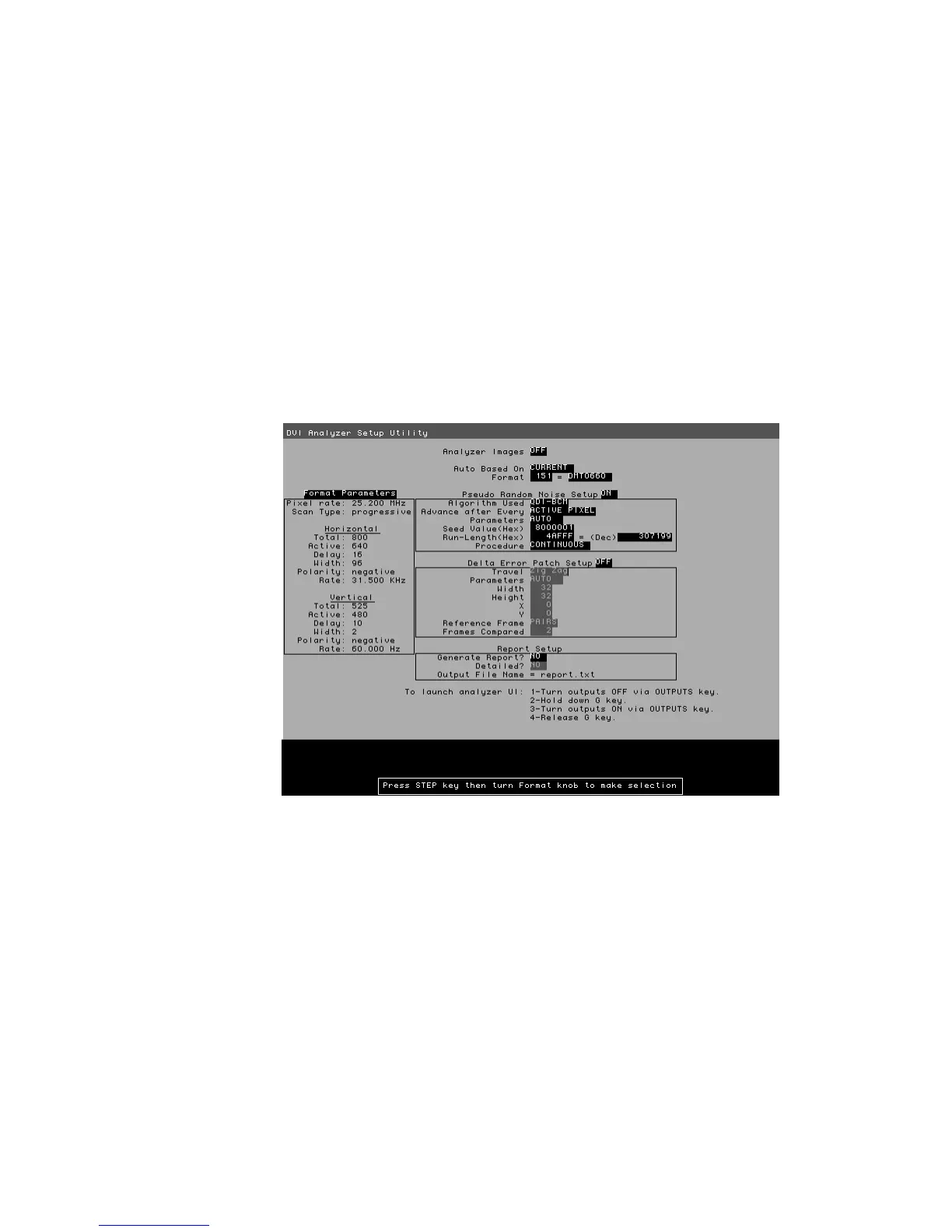
Use the Analyzer Setup Utility to view or modify the configuration of the analyzer.
To start the Analyzer Setup Utility:
1. Start the generator in Digital-Friendly mode (see page 18).
2. Connect a digital display with the DVI or HDMI transmitter on the generator.
3. Select a format supported by the display (see “Selecting formats automatically” on
page 25).
4. Select the Analzyer image.
The Analyzer Setup Utility appears on the connected display.
Note: The Report Setup feature is not implemented.
Enabling and disabling analyzer images
Certain analyzer tasks require images to be displayed on an HDMI/DVI display.
To enable or disable display of analyzer images:
1. Start the Analyzer Setup Utility (see page 112).
2. Press and release the Step key.
The Step key illuminates and the Analyzer Images field is highlighted.



 To Next Page