158 Chapter 9 Testing HDMI Sink Devices
4. Using the Image knob, select the appropriate image (see table above).
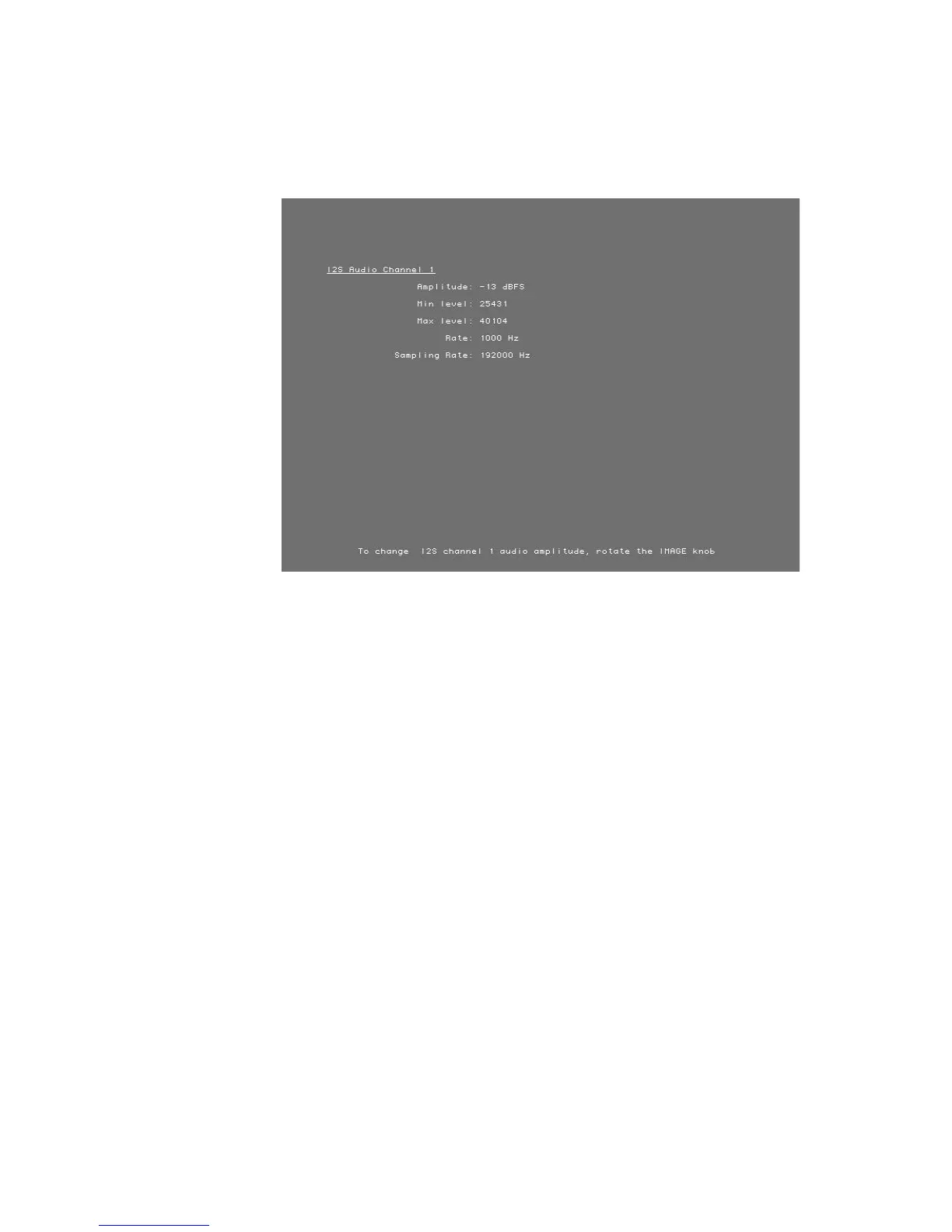
The image appears on the connected HDMI display. The image shows the current
settings for the HDMI audio output. For example, the Audio_1 image is shown below.
5. Press and release the Step key.
The Step key illuminates.
6. Using the Image knob, adjust the amplitude or frequency (based on the selected
image) of the HDMI audio output.
7. To verify proper HDMI audio handling, check the following on the HDMI display:
• Audio is output from the proper channels.
• When amplitude is adjusted, the volume is subsequently changed.
• When frequency is adjusted, the pitch is subsequently changed.
8. When finished, press and release the Step key.
The light on the Step key extinguishes.
9. To test another HDMI audio output type, return to step 4.
Testing HDMI audio using an external audio source
The generator provides basic, two-channel LPCM audio signals. However, it can encode
multichannel audio signals from an external SPDIF source (such as a DVD player) with the
HDMI content stream.



 To Next Page