802BT/802R Video Test Generator User Guide 147
Getting started
This section provides basic information on how to operate the 802 generator using the
HDMI option.
HDMI connections
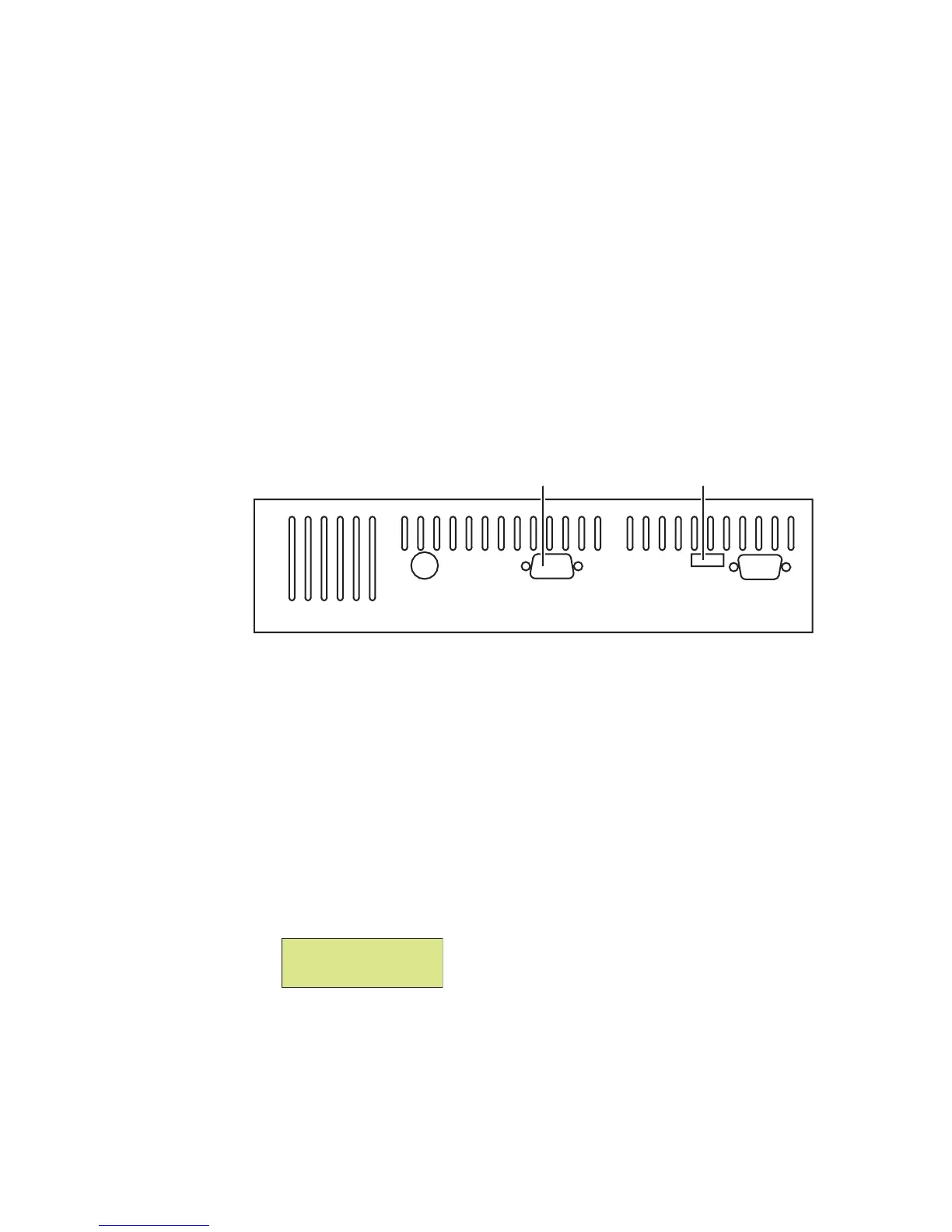
The generator with the HDMI option has two connectors. In addition to an HDMI Tx
(output) connector that emulates an HDMI source device, an AV connector allows external
SPDIF audio to be input to the HDMI signal. To use the AV port, an RCA-to-VGA cable is
included with the generator.
The following figure shows the location of these connectors on a model 802 generator with
the HDMI option.
Setting up the generator for HDMI operation
To perform testing using the HDMI option, you must ensure that the generator is
configured to output HDMI signals:
To set up the generator to perform HDMI testing:
1. Hold down the G and B keys, and then power on the generator.
The following message appears on the front panel LCD.
2. Release the G and B keys.
The generator is placed in Digital Friendly mode.
SS AV Tx VGA
HDMI transmitterAudio/Video connector
Special: keys
Digital friendly



 To Next Page