128 Chapter 8 Analyzing Digital Sources and Cables
6. Using the Image knob, select the PacketRx image.
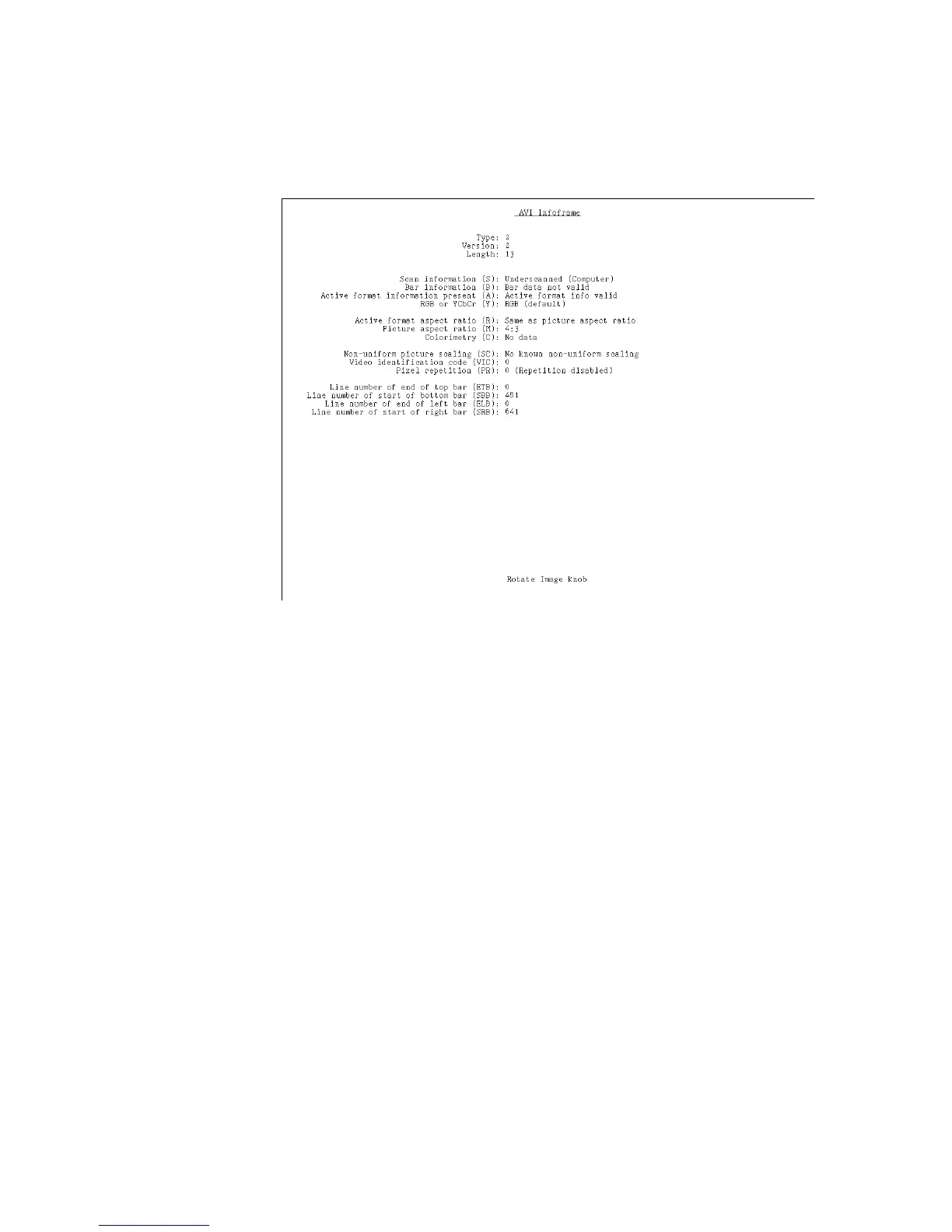
The PacketRx image appears on the connected HDMI display. Shown in the image are
the current settings for the AVI InfoFrame input.
7. Press and release the Step key.
The Step key illuminates.
8. Using the Image knob, select the appropriate InfoFrame type.
The contents of the appropriate InfoFrame input are displayed on the HDMI display.
9. When finished, press and release the Step key.
The light on the Step key extinguishes.



 To Next Page