164 Chapter 9 Testing HDMI Sink Devices
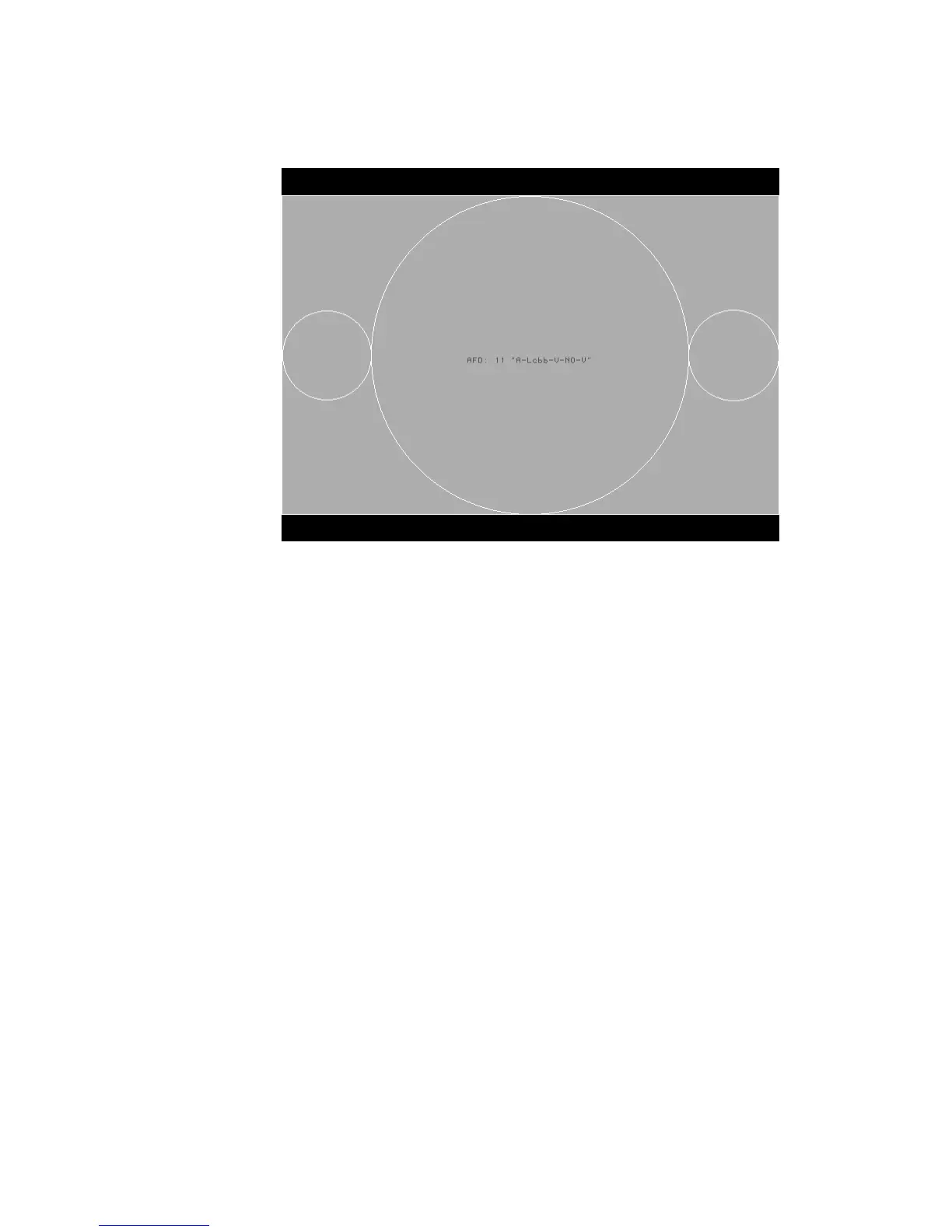
The image appears on the HDMI display. For example, the image representing AFD
case 11 (image version 4) on a 4:3 display is shown in the example below.
7. Using the selected AFD scenario, verify that the HDMI display presents the image
correctly.
Note: Displays use the AFD information to determine how to present an image.
Different displays may present HDMI video with the same AFD differently.
8. Using the Image knob, select additional AFD cases (as desired).
9. When finished, press and release the Step key.
The light on the Step key extinguishes.



 To Next Page