802BT/802R Video Test Generator User Guide 175
To specify the capabilities of the sink device:
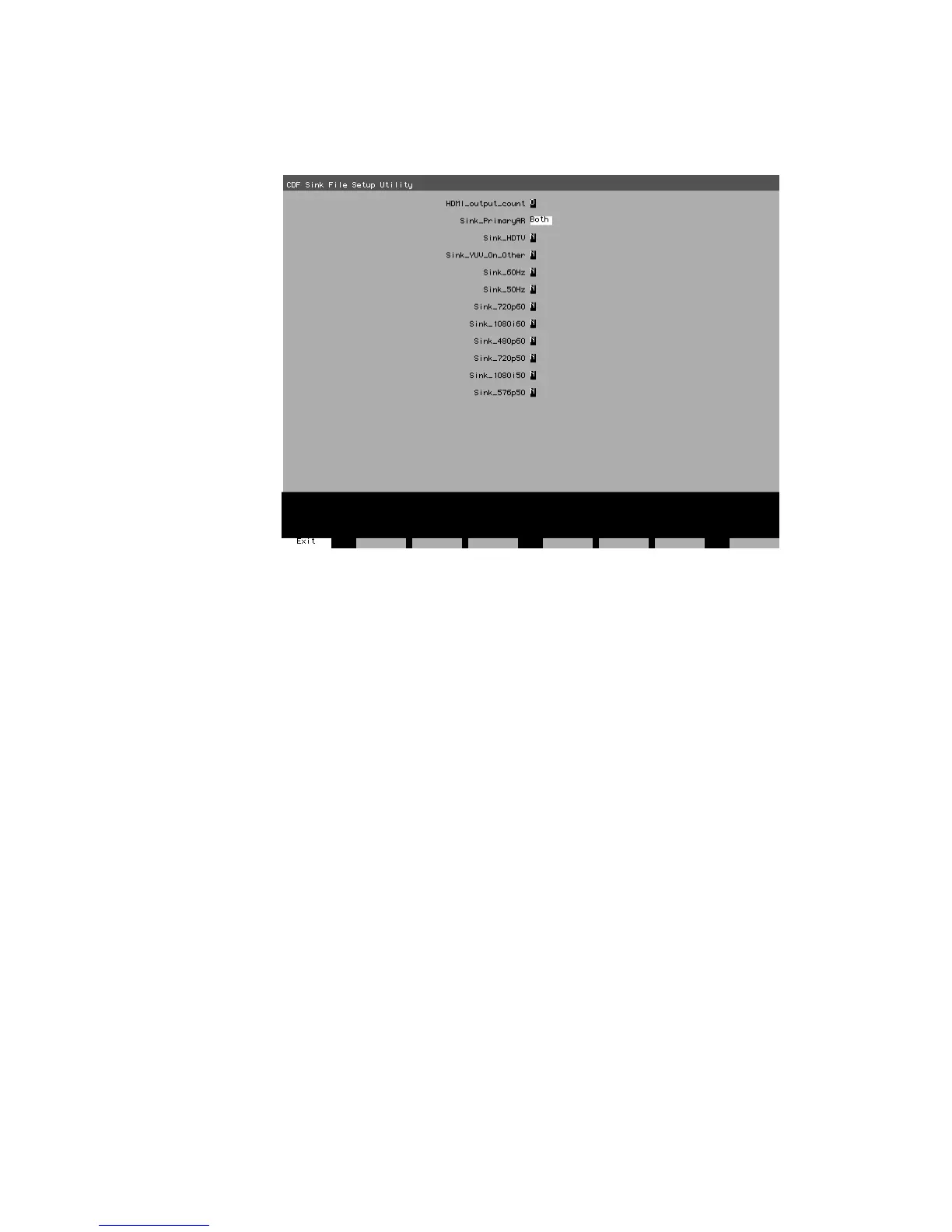
1. Load the CDF_Sink image, which is shown below.
2. Press and release the Step key to enable selection of each field. Use the Format knob
to position the cursor. Use the Image knob to choose values.
For example, if your display supports both 4:3 and 16:9 aspect ratios, set the
Sink_PrimaryAR field to Both.
3. Press the Step (Exit) key to save the settings. The settings are stored until you change
them, and are kept if the generator is restarted.
To initiate the compliance testing:
1. Load the EdidHDMI image.
2. Press and release the STEP key, then turn the Image knob to progress through the
tests in the sequence below.



 To Next Page