802BT/802R Video Test Generator User Guide 187
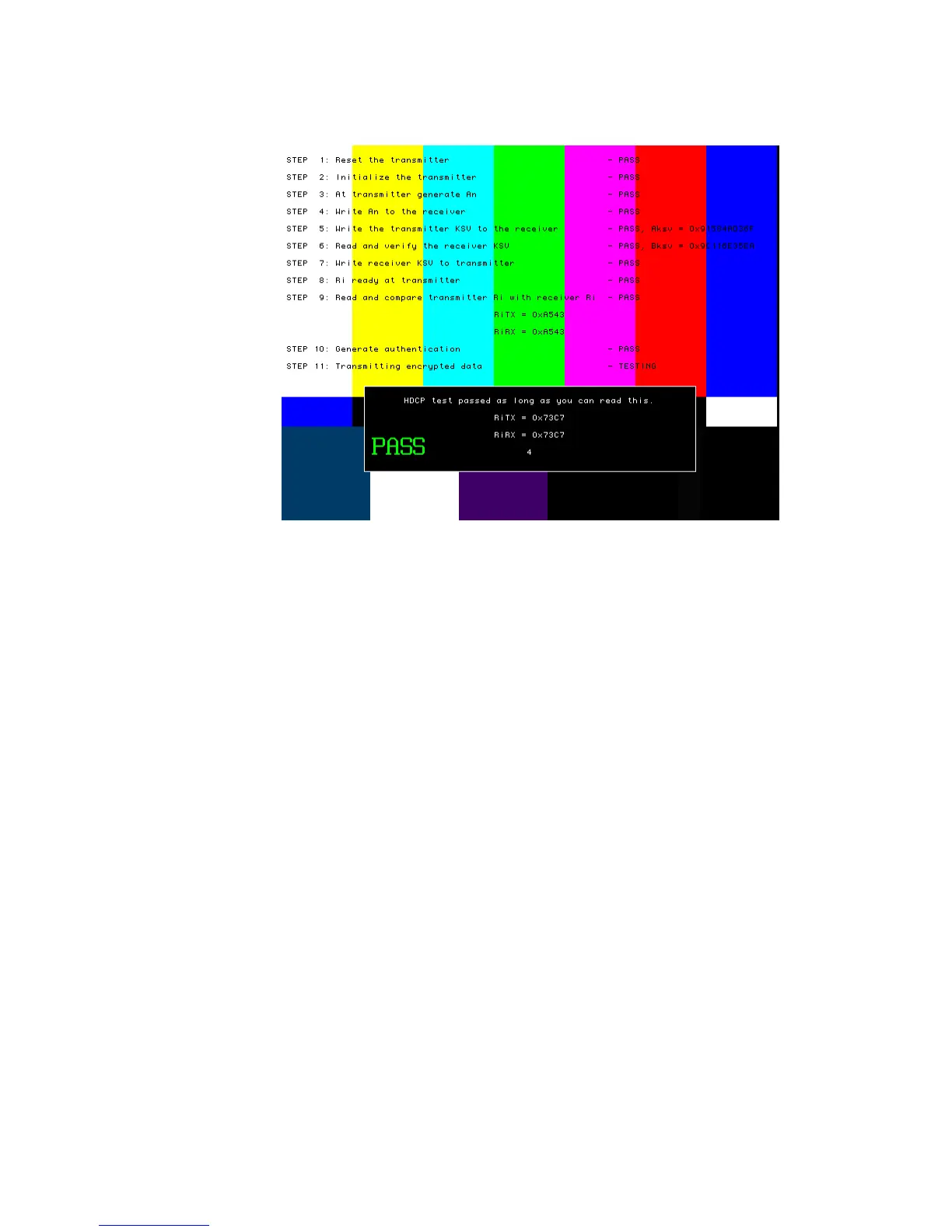
• HdcpA2B
The image will indicate if the test passed or failed. If the test fails, see “Troubleshooting
HDCP errors” on page 191.
4. To test another device, connect the cable to the new device.
The HDCP test starts automatically.
To test HDCP with an HDMI device:
1. Hold down the G and B key while starting the generator put the generator in digital
friendly mode.
Alternatively, enter the following command:
SROP 2
2. Connect the HDMI transmitter on the generator to the device’s HDMI receiver.
3. Select the HdcpProd(uction) image.
The image will indicate if the test passed or failed. If the test fails, see “Troubleshooting
HDCP errors” on page 191.



 To Next Page