650 Appendix B Image Reference
Hatch_6, Hatch_10i, Hatch_10o, Hatch_12i, Hatch_12o, Hatch_24i,
Hatch_24o, Hatch_24s, Hatch_G, Hatch_M, GRN_HTCH, and MAGENTA
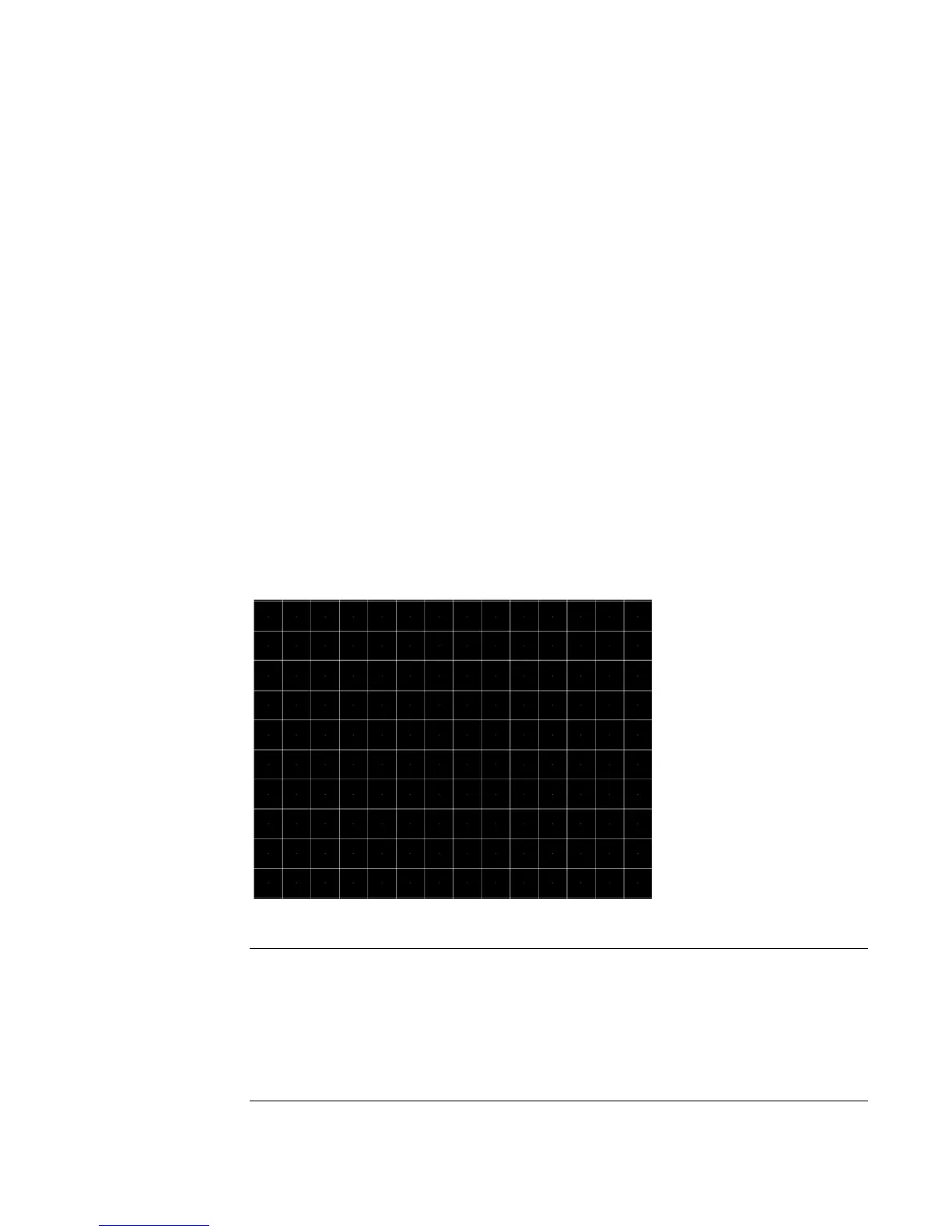
Description The primary versions consist of a white, green (G and GRN), or magenta (M) crosshatch
drawn on a black background. The lines form square boxes. A single pixel dot is located in
the center of each crosshatch box. The number of boxes formed depends on the version
of the image selected and the screen aspect ratio of the currently loaded format. The
number in the image’s name refers to the number of boxes that are formed along the minor
axis for most aspect ratios. The generator calculates the ratio and then finds the closest
match from the table on the next page. Version names indicate the drawing method, as
follows:
• Versions ending in “i” draw from the inside (center) out. Any partial boxes are placed
around the perimeter of the image.
• Versions ending in “o” draw from the outside in. Any partial boxes are placed along the
centerlines of the image.
• Versions ending in “s” are the “i” version plus a 1-pixel thick border.
The secondary versions invert the images to black lines and dots on a white background.
Hatch_G, Hatch_M, GRN_HTCH and Magenta do not have secondary versions.
The primary version of the Hatch_10i image is shown below.
Aspect Ratio Dot_10 Dot_12 Dot_24
W : H
Decimal Boxes
Vertically
Boxes
Horizon-
tally
Boxes
Vertically
Boxes
Horizon-
tally
Boxes
Vertically
Boxes
Horizon-
tally
16 : 9
1.777 É 10 16 10 16 18 32
5 : 3
1.666 É 10 16 10 16 18 30
4 : 3
1.333 É 10 14 12 16 24 32



 To Next Page