62 Chapter 4 Working with Formats
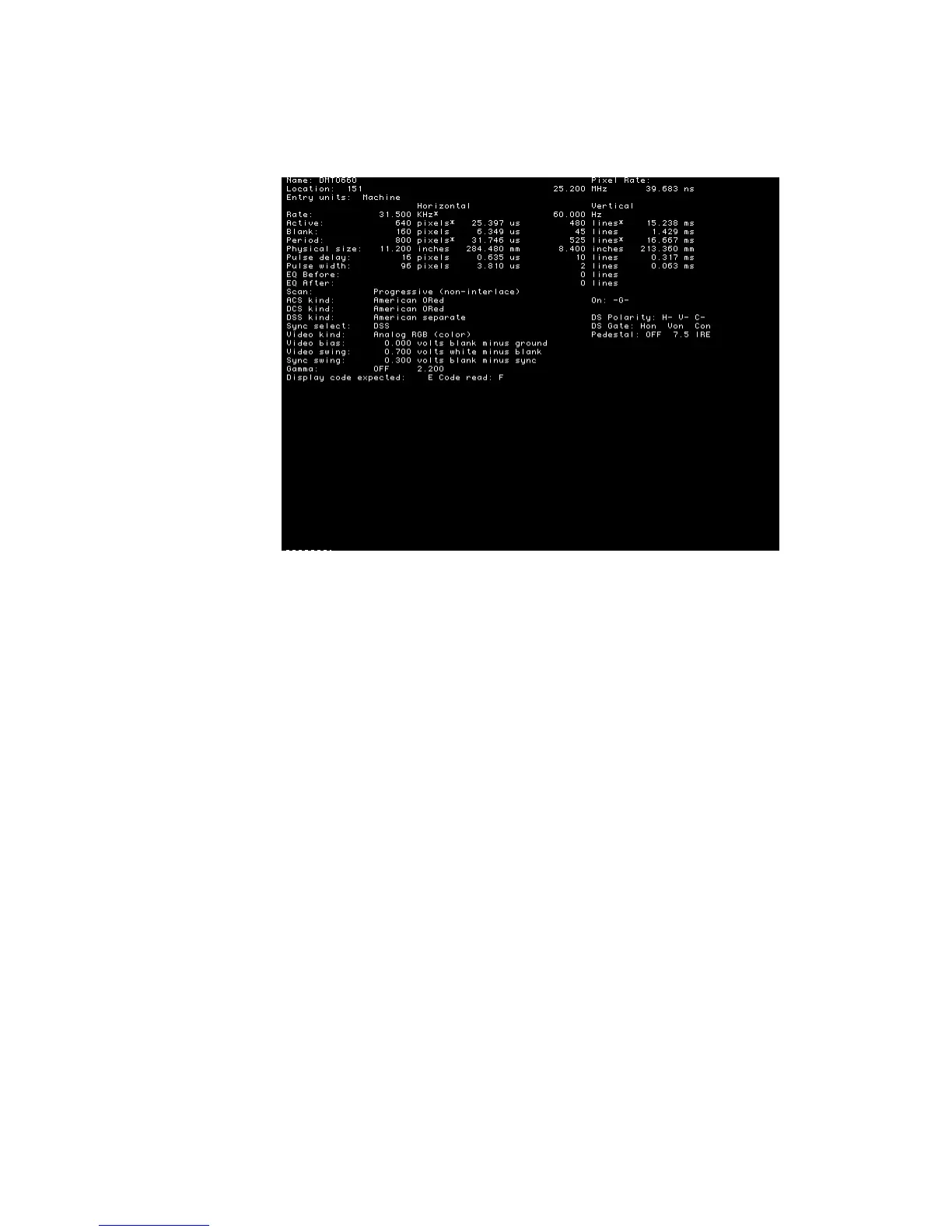
2. Load the Format image.
Information about the current format is displays.
3. Press the Step key, then turn Image knob to view additional formats.
To display individual format parameters:
1. Establish a terminal session with the generator.
2. Load the format whose parameters you want to view by entering the following
command:
FMTL format; FMTU //specify a valid format name
3. Enter the format parameter(s) you want to view. For example, to view the horizontal
resolution, vertical resolution, horizontal period, and analog video sync type, enter the
following command:
HRES? VRES? HTOT? AVST?
The generator responds with the information in sequence as shown below:
640;480;800;2



 To Next Page