Reset display
To reset the machine returning it to the factory values, proceed as follows:
1. Switch off the machine through the main on-off button (h).
2. Raise the delivery lever and switch on the machine again.
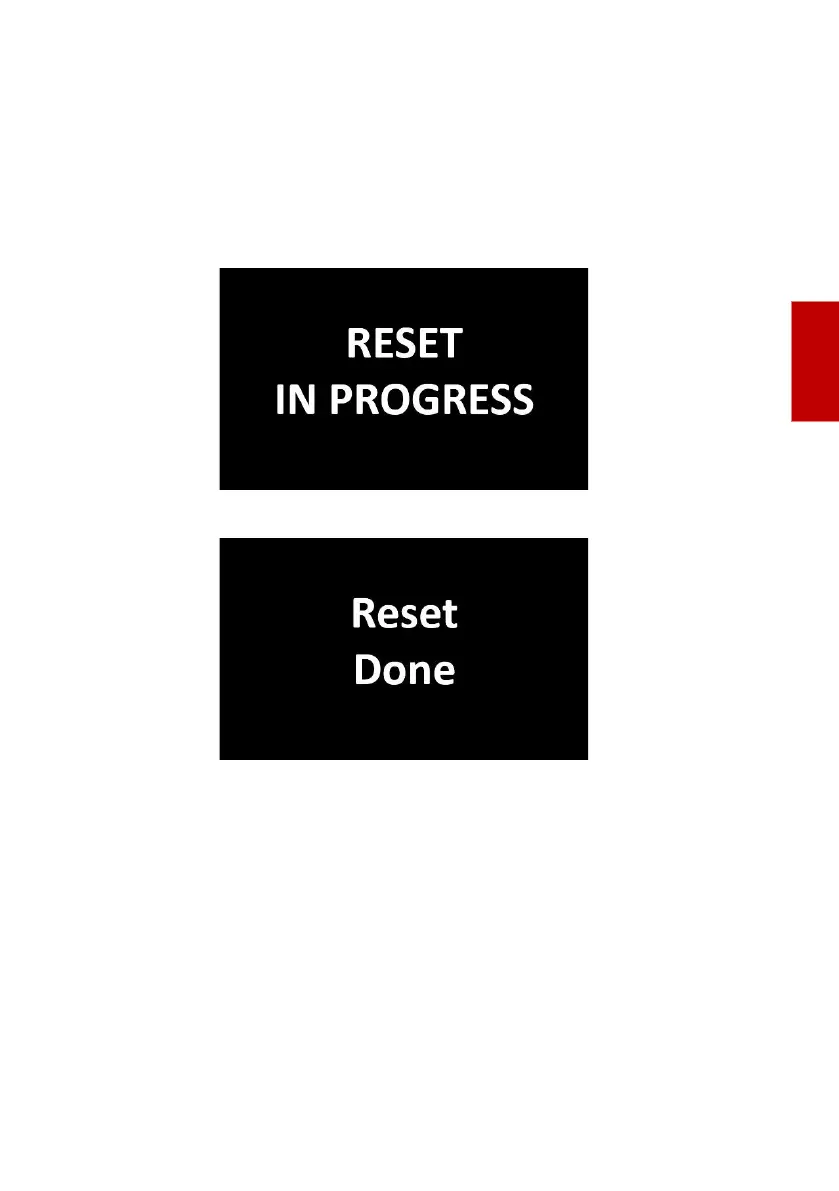
3. On the display the reset start message is shown: “Reset in progress”.
4. Wait a few minutes to end the reset, until the following is displayed.
5. Switch off the machine and bring the delivery lever to low position.





 To Next Page