21
CHC1102M GB F - REV005B
GB
SETTINGS MENU - PERSONAL SET
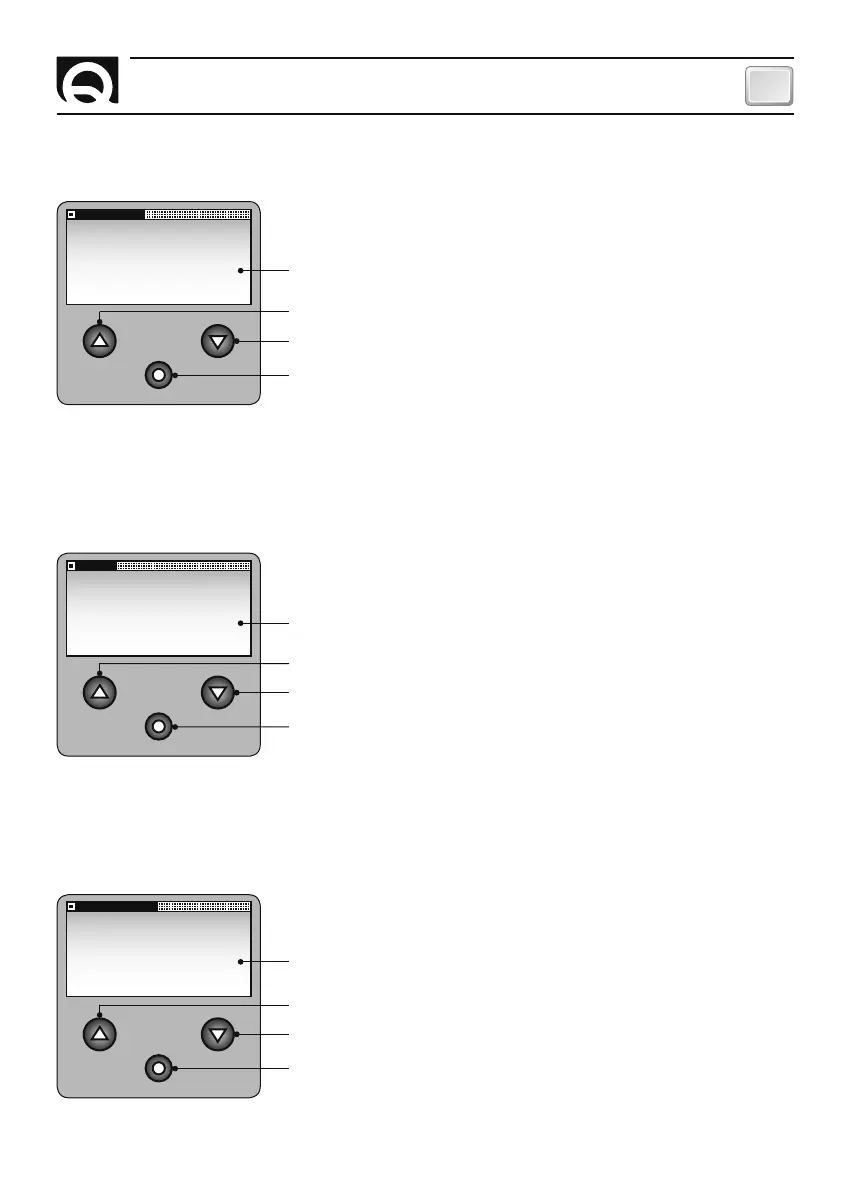
LIGHT DELAY
Use this option to set the delay time for shutting off the back-lighting
of the display screen. The delay time starts to elaps as soon as the last
key is released (or when FREE FALL is completed).
LIGHT DELAY
SET VALUE:
30S
Increase value
Confirm value and go back to PERSONAL SET menu.
Selectable values: 30S, 60S, 90S, 120S, 180S, 240S, ON
(always on). (default: 30S).
Decrease value
SETTINGS MENU - PERSONAL SET
CONTRAST
Use this option to adjust the contrast of the LCD. The change is imme-
diately made without having to confirm the value.
SETTINGS MENU - PERSONAL SET
LIGHT
Use this option to adjust the back-lighting of the display screen.
The brightness is immediately changed without having to confirm the
value.
CONTRAST
SET VALUE:
4
Increase value
Confirm value and go back to PERSONAL SET menu.
Selectable values: 1, 2, 3, 4, 5, 6, 7, 8. (default: 4).
LIGHT
SET VALUE:
4
Decrease value
Increase value
Confirm value and go back to PERSONAL SET menu.
Selectable values: OFF,1, 2, 3, 4, 5, 6, 7, 8. (default: 4).
Decrease value
SETTING THE CHAIN COUNTER


 To Next Page