29
CHC1102M GB F - REV005B
GB
SETTINGS MENU - UTILITY
CONTROL EEPROM (DATA MEMORY)
This function shows the calculated EEPROM memory checksum (SUM)
and the one stored (TRUE).
SETTINGS MENU - UTILITY
CAN MESSAGE
This function shows some information regarding CAN messages tran-
smission state.
CHECK EEPROM
TRUE: XXXX
SUM: YYYY
CHECK EEPROM
Go back to UTILITY menu.
In order for the chain counter to operate properly the two values must
match.
CAN MESSAGE
TX MSG: 000
RX MSG: 000
LAST ID: 000
CAN UPD: 000
Go back to UTILITY menu.
SETTINGS MENU
CAN CONFIGURATION
This option allows the user to determine chain counter's priority in the
CAN network (see chapter MULTIPLE CHAIN COUNTERS).
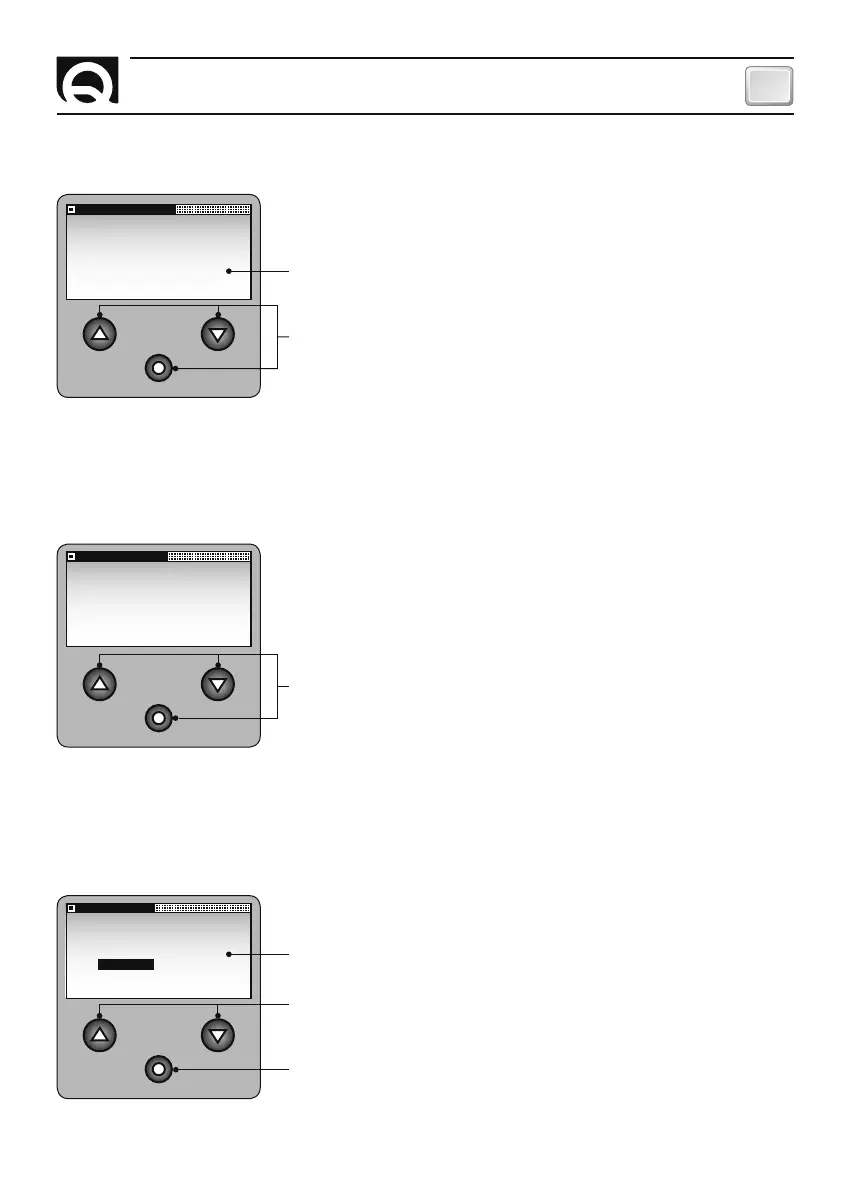
CAN CONFIG
SET VALUE:
MASTER SLAVE
Confirm entry and go back to SETTINGS menu.
MASTER and SLAVE can be entered (default: MASTER).
Select the values available.
SETTING THE CHAIN COUNTER



 To Next Page