22
CHC1102M GB F - REV005B
GB
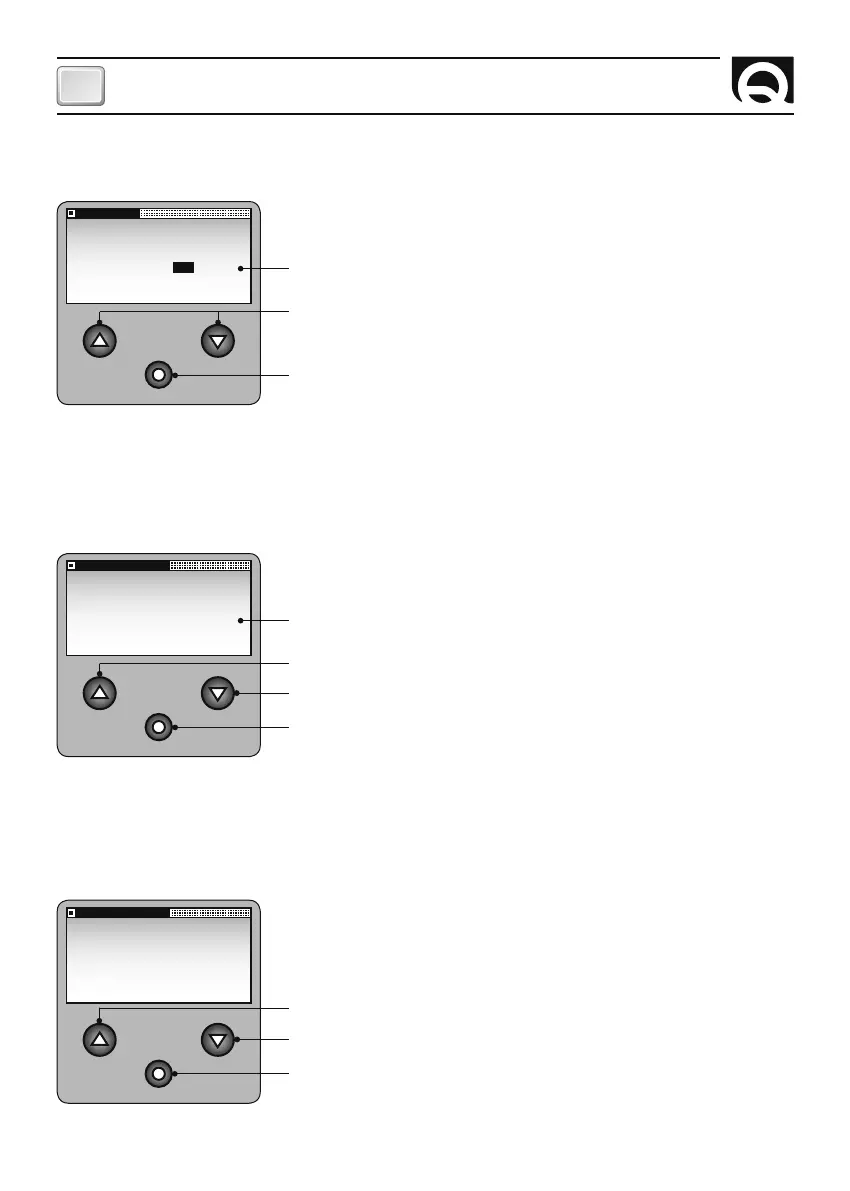
KEY BEEP
SET VALUE:
YES NO
SETTINGS MENU - PERSONAL SET
KEY BEEP
Use this option to activate or deactivate the beep that sounds whene-
ver a key is pressed.
Confirm value and go back to PERSONAL SET menu.
Selectable options: YES and NO. (default: YES).
Select the values available.
SETTINGS MENU
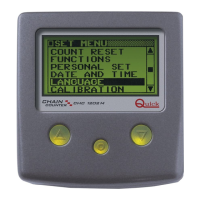
DATE AND TIME
Use this option to set the clock and calendar.
The DATE AND TIME window appears as follows:
DATE AND TIME
2003 JAN 03
00:00
EXIT
Increase value
Decrease value
Confirm value and go to next parameter; if EXIT has been selected the
system goes back to SETTINGS menu.
SETTINGS MENU - PERSONAL SET
LOCKED KEYS
This function is used to set the time for the locking of the
p
and
q
(UP
and DOWN) keys. Once the set time has elapsed, from the moment it
finds itself in stop status, the instrument goes into locked keys status.
LOCKED KEYS
SET VALUE:
4 min
Increase value
Confirm value and go back to PERSONAL SET menu.
Select the available values: OFF, 1min, 2min, 3min, 4min, 5min, 6min,
7 min, 8min, 9min, 10min. (default: OFF)
Decrease value
SETTING THE CHAIN COUNTER



 To Next Page