60 9828 0934 73
3.12 Week timer menu
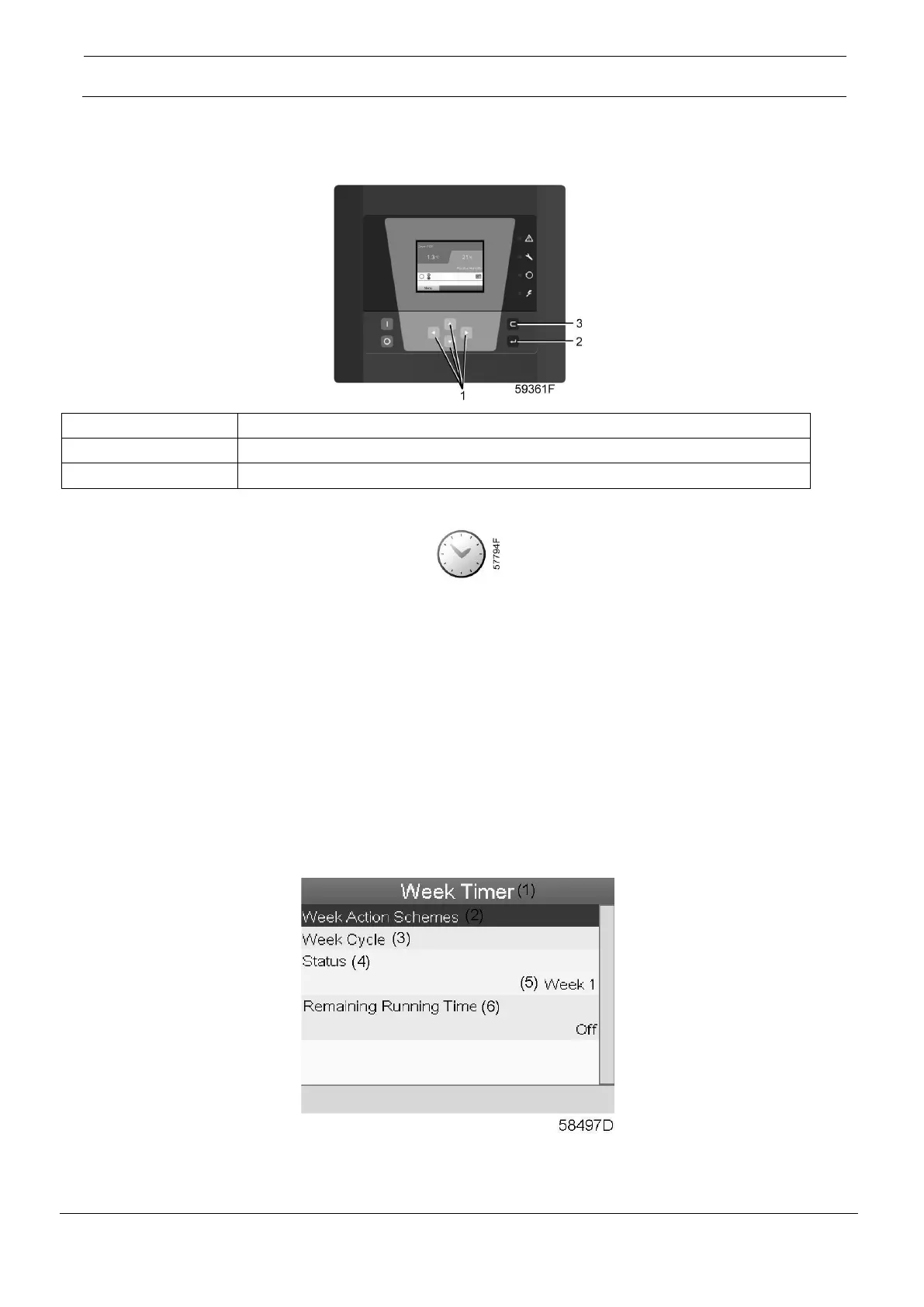
Control panel
Menu icon, Week timer
Function
• To program time-based start/stop commands for the dryer.
• Four different week schemes can be programmed.
• A week cycle can be programmed; a week cycle is a sequence of 10 weeks. For each week in
the cycle, one of the four programmed week schemes can be chosen.
Procedure
Starting from the Main screen (see Main screen),
• Move the cursor to the action button Menu and press the Enter key. Use the Scroll buttons to
select the Timer icon.
• Press the Enter key on the controller. Following screen appears:





 To Next Page