9828 0934 73 43
3.4 Main screen
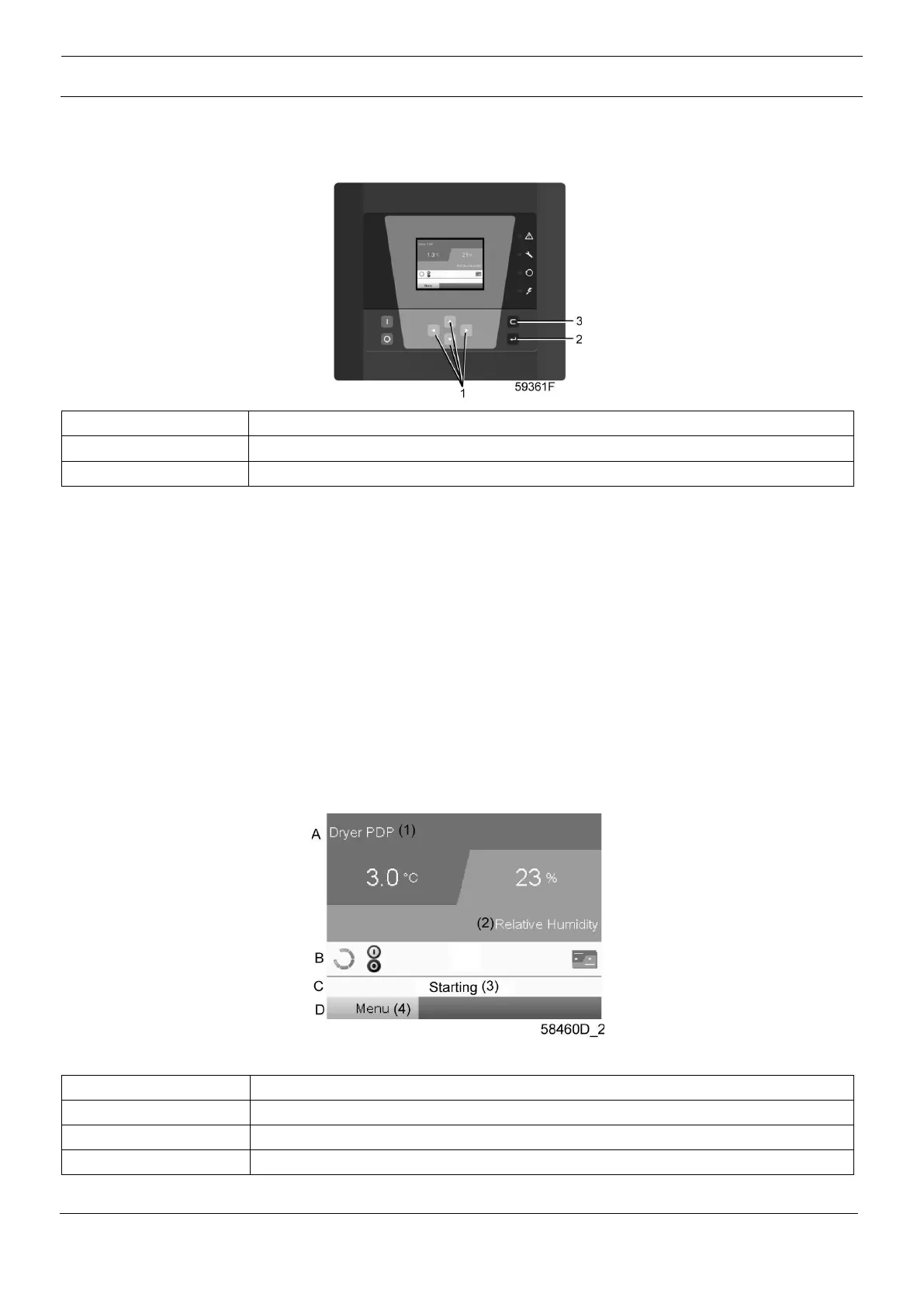
Control panel
Function
The Main screen shows the status of the dryer operation and is the gateway to all functions implemented
in the controller.
The Main screen is shown automatically when the voltage is switched on and one of the keys is pushed. It
is switched off automatically after a few minutes when no keys are pushed.
Five different main screens can be chosen:
1. Two value lines
2. Four value lines
3. Chart (High resolution)
4. Chart (Medium resolution)
5. Chart (Low resolution)
Two and four value views
Typical Main screen (Two value lines)





 To Next Page