9828 0934 73 45
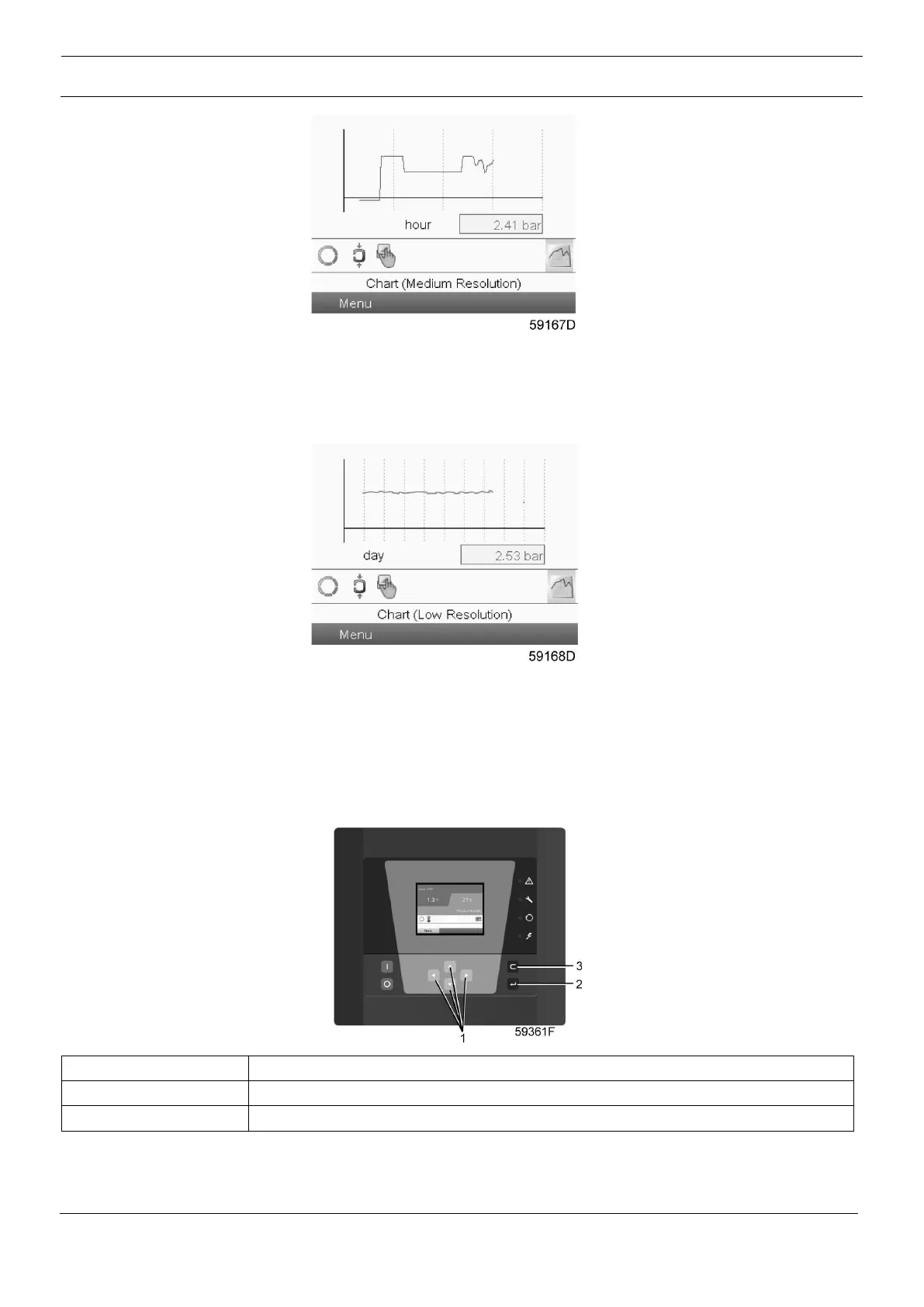
When the Chart (Medium Resolution) is selected, a chart showing the parameter per hour is shown on the
main screen. Each point is the average of 1 minute. The screen shows 4 hours.
The switch button (icon) for selecting other screens is changed into a small Chart and is highlighted
(active).
When the Chart (Low Resolution) is selected, a chart showing the parameter per day is shown on the main
screen. Each point is the average of 1 hour. The screen shows 10 days.
The switch button (icon) for selecting other screens is changed into a small Chart and is highlighted (active).
3.5 Calling up menus
Control panel





 To Next Page