50 9828 0934 73
3.8 Counters
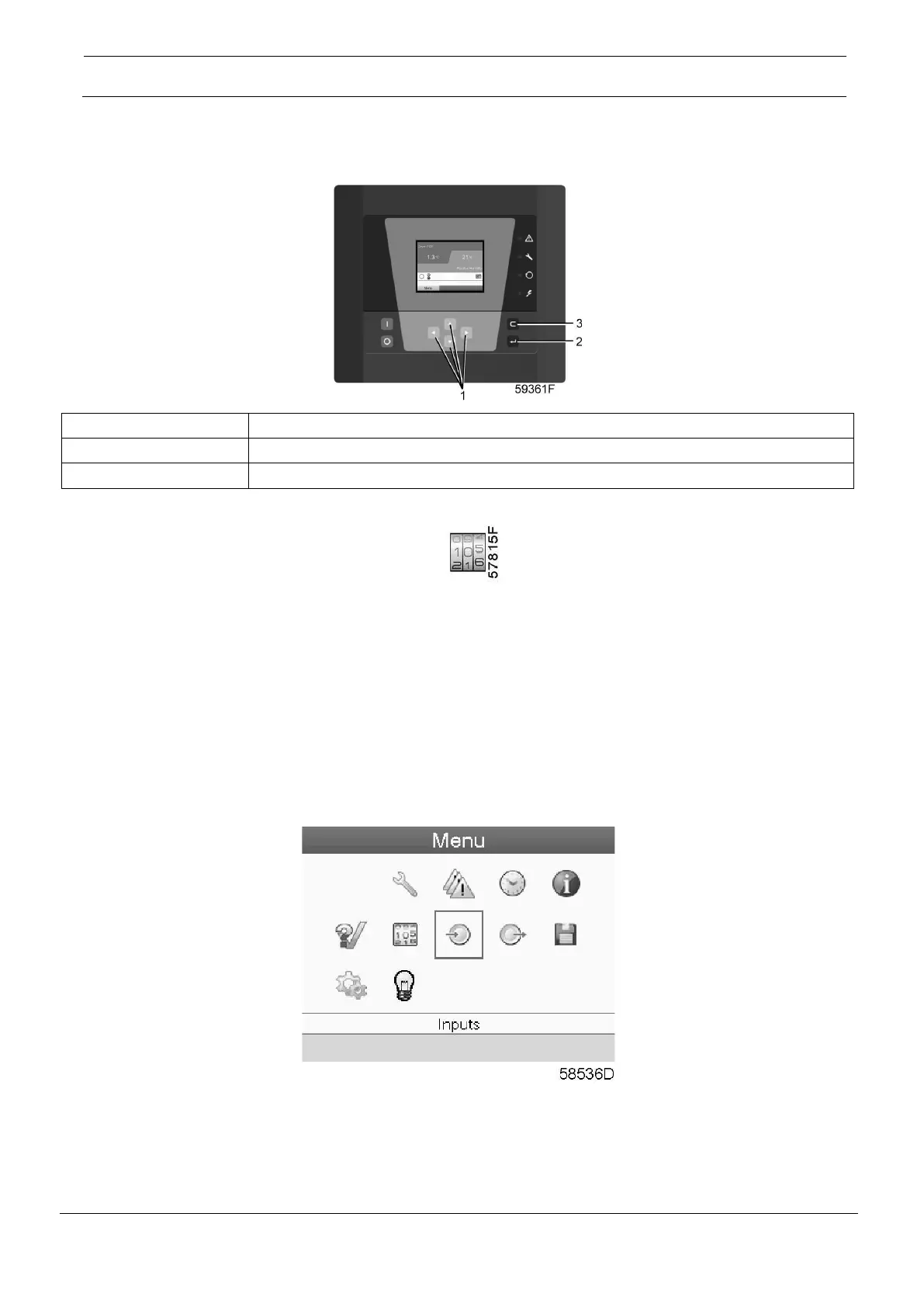
Control panel
Menu icon, Counters
Function
To call up:
• The running hours
• The number of dryer starts
• The number of hours that the regulator has been powered
Procedure
Starting from the Main screen (see Main screen),
• Move the cursor to the action button Menu and press the Enter key. Following screen appears:
• Using the Scroll keys, move the cursor to the Counters icon (see above, section Menu icon).
• Press the Enter key. Following screen appears:





 To Next Page