Raise3D E2_Quick Start Guide
www.raise3d.com
- 16 -
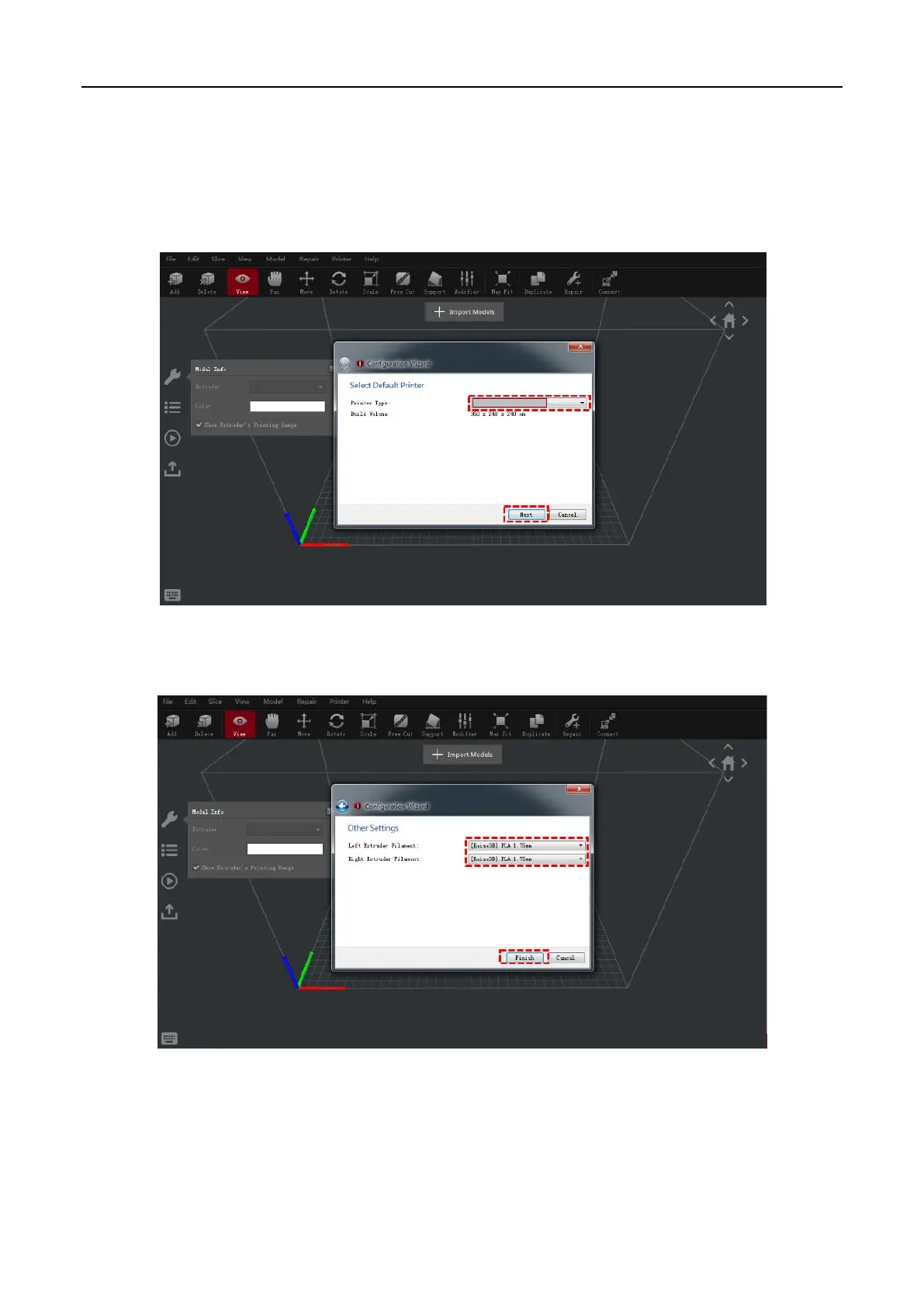
⚫ ideaMaker Initial Settings
➢ When launching ideaMaker for the first time, you will need to select your printer model. Select "printer
setting" and choose the type of the printer you are using, then press "Next".
➢ Select the diameter of your filament. Press "Finish" to finalize the initial settings.
NOTE: ALL E2 printers use 1.75 mm filaments.



 To Next Page