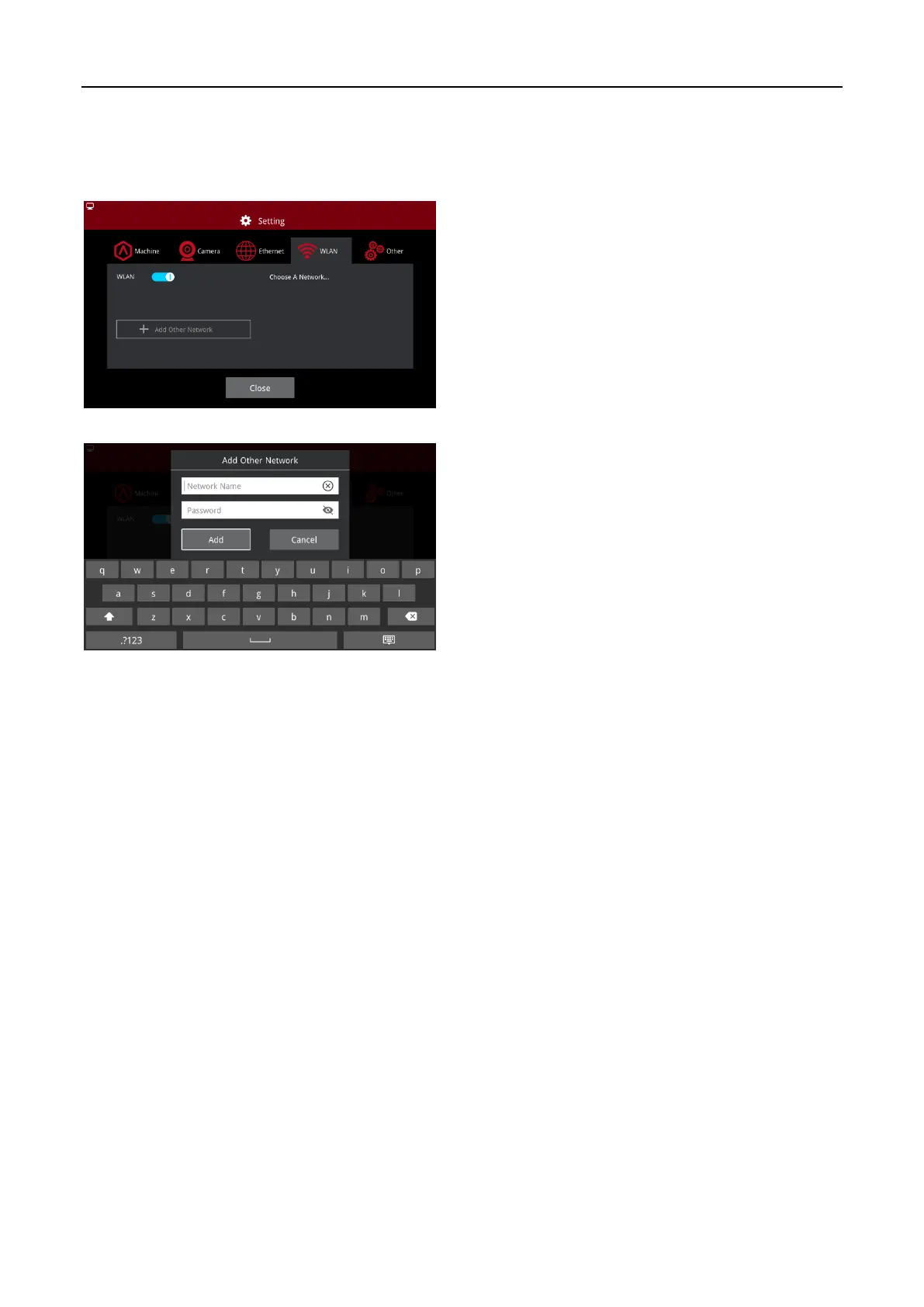
You can connect to a network by selecting
the SSID and inputting the password. When
the Wi-Fi module is manufactured, 2.4G is
set at HT20, 5GHz is set at HT40.
Note: The Wi-Fi’s frequency is fixed before
being manufactured. The customer is not
allowed to modify the Wi-Fi’s parameters.
(If needed, please contact our tech support
team).
Alternatively, you can select "Add Other
Network" and input a name and password.



 To Next Page