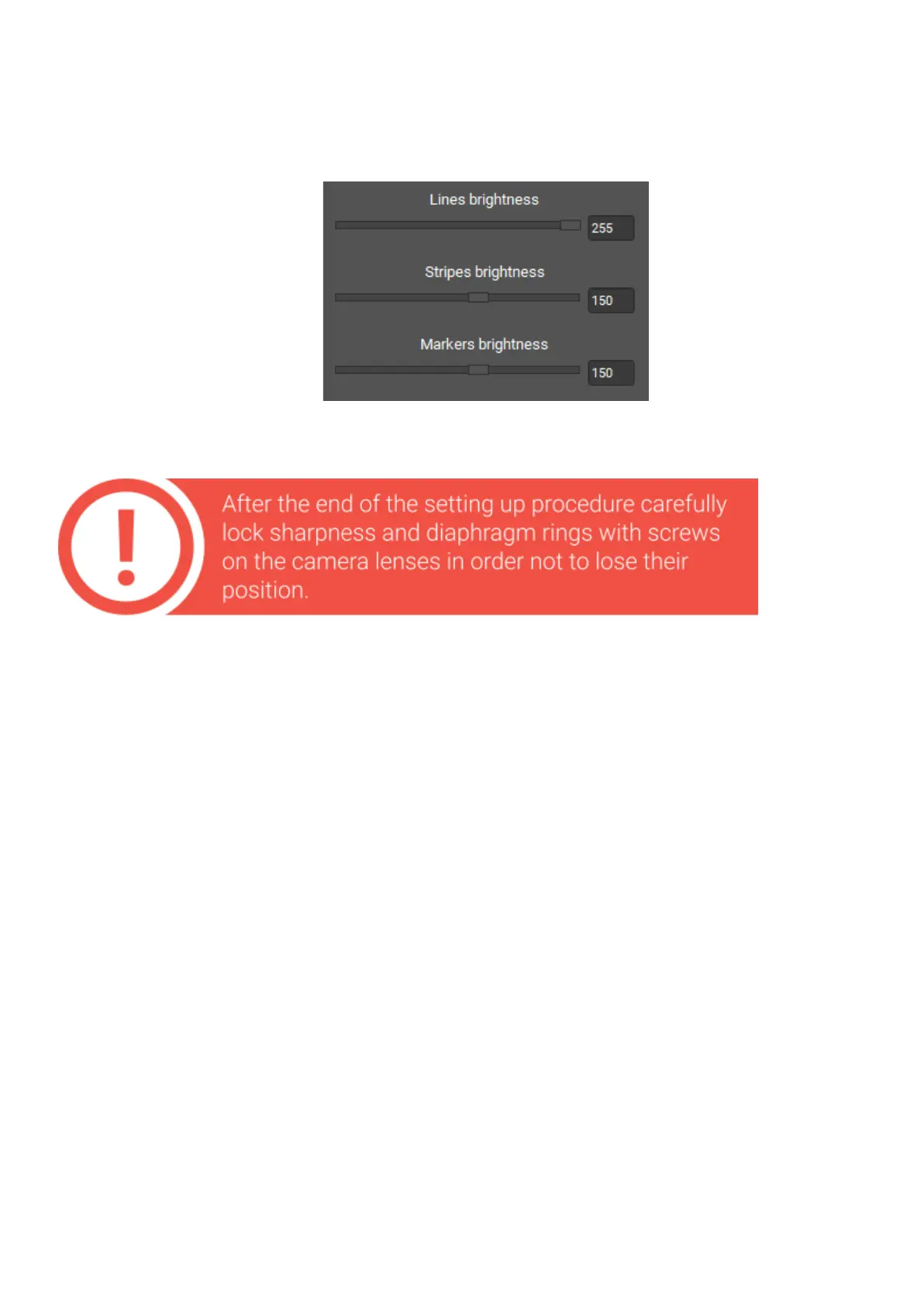
If you are setting up for the ”S” FOV, it may be necessary to decrease the brightness of
lines and stripes due to the close distance to object. Decrease the brightness value, as
shown in the figure. Brightness value of lines is approximately 2 times greater than the
brightness of the stripes. Visually lines and stripes must be the same brightness.
Uponcompletionofallscanneradjustments,youshouldfulfilthefollowing conditions:
● camerasarepointedtoonepoint,locatedattheworkingdistancefromthe
scanner,
● atthesamedistancefocusedcamerasandimagefromtheprojector,
● atthestandardvaluesofelectronicexposure(30-60)imagefromthe
camerasisnotexcessivelybrightandnottoodark,
● alltheadjustmentandtheclampingscrewsaretightened.


 To Next Page