en-28
5 CONTROLS
5.2.Z.9 BRIGHTNESS / CONTRAST SELECT________________________________
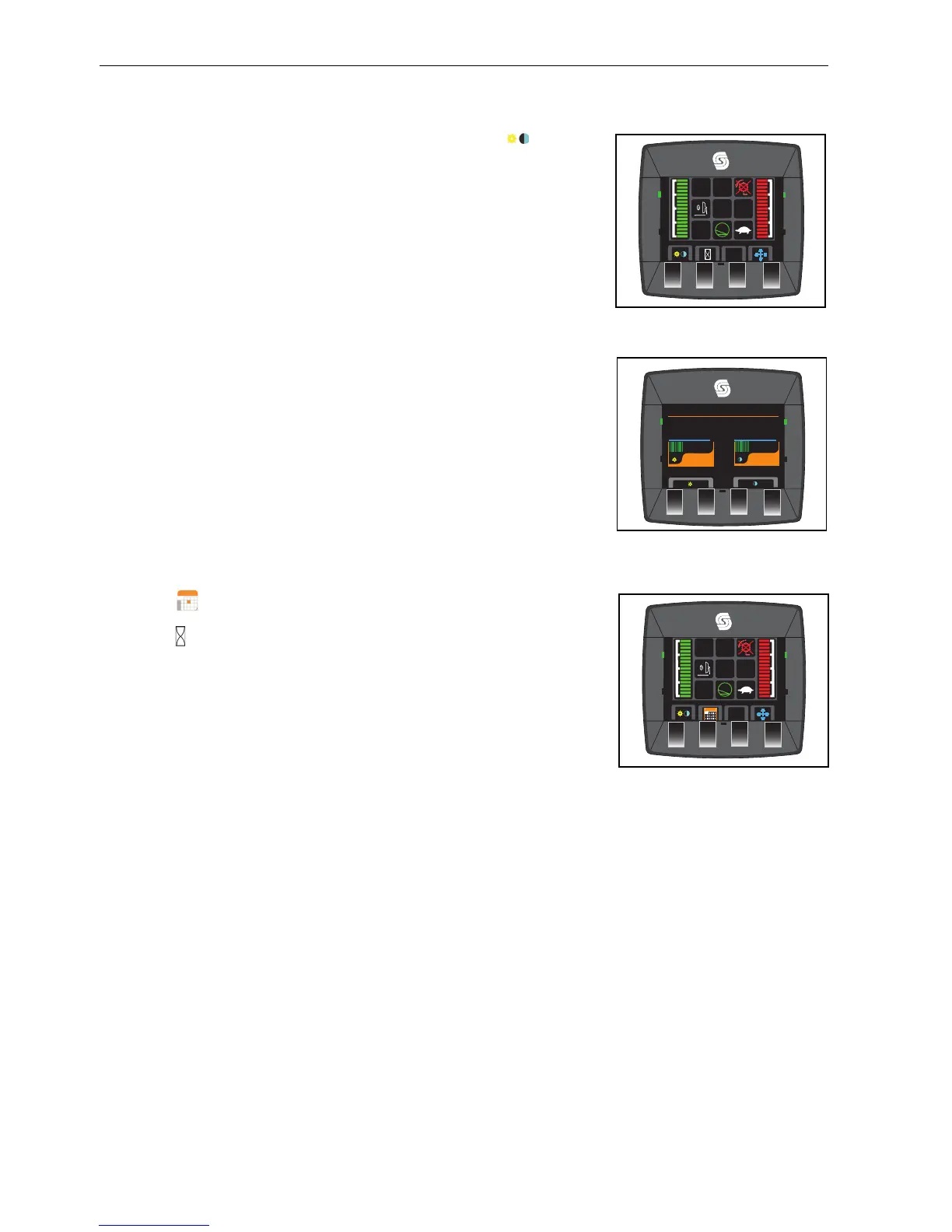
To change the Brightness or the Contrast, press the button below the icon.
5.2.Z.10 BRIGHTNESS / CONTRAST ADJUST________________________________
Use the buttons below the + and - icons on the screen to increase and decrease the
brightness and contrast.
5.2.Z.11 TIME DISPLAY OPTION___________________________________________
This display this displays the time and engine hours.
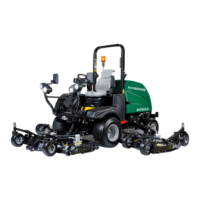
This display shows the date and engine hours.
Button 2 toggles between the two options.


 To Next Page